Windows11 check disk health (2026)
Test integrity of archive files
# Test integrity of archive
7z t filepath

# works on zip file too
# Test integrity of archive

unzip -t filepath

# or

zip -T filepath
# require unzip
What's disk S.M.A.R.T.
what's disk S.M.A.R.T.
(ai answer)
S.M.A.R.T. stands for Self-Monitoring, Analysis, and Reporting Technology, a monitoring system built into modern hard disk drives (HDDs) and solid-state drives (SSDs) to detect and report indicators of drive reliability. Its primary function is to anticipate imminent hardware failures by tracking various performance metrics, allowing users to back up data before a crash occurs.
The system works by continuously monitoring internal drive attributes—such as temperature, spin-up time, reallocated sector counts, and power-on hours—and comparing them against manufacturer-defined thresholds. If a critical attribute exceeds its limit, the drive reports a "threshold exceeded" status, signaling that the device is at high risk of failure. While S.M.A.R.T. is highly effective at predicting predictable mechanical wear or flash memory degradation, it cannot foresee unpredictable failures caused by sudden power surges or physical damage.
PowerShell Get-PhysicalDisk
Get-PhysicalDisk | Select FriendlyName, HealthStatus
wmic
wmic diskdrive get status
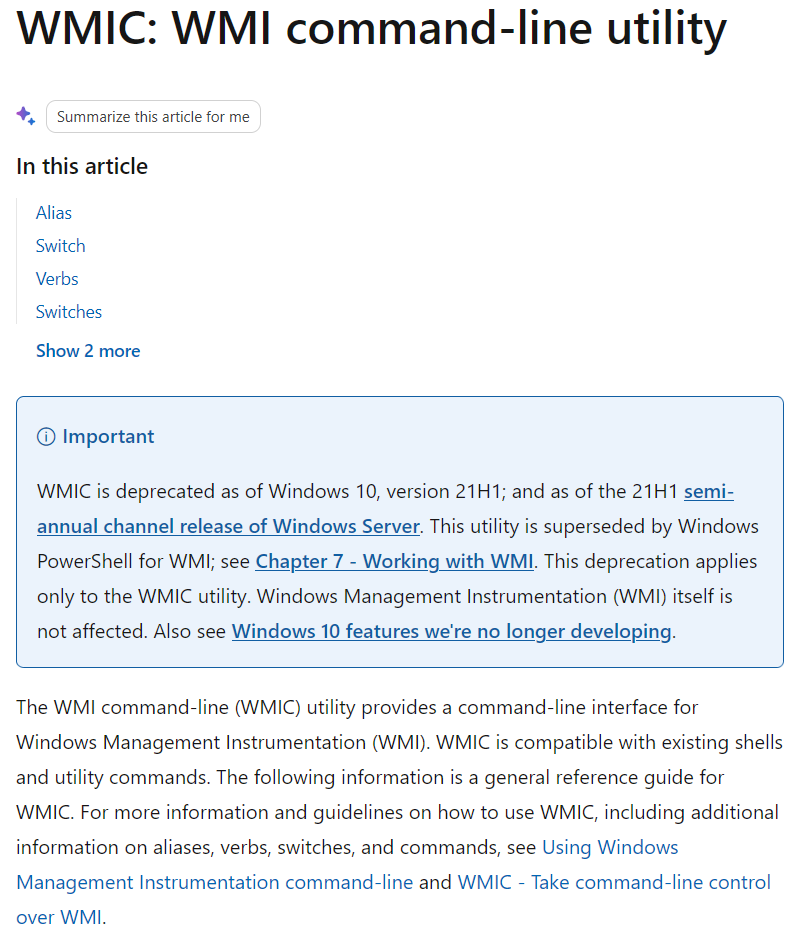
https://learn.microsoft.com/en-us/windows/win32/wmisdk/wmic
WMIC is deprecated as of Windows 10, version 21H1; and as of the 21H1 semi-annual channel release of Windows Server. This utility is superseded by Windows PowerShell for WMI; see Chapter 7 - Working with WMI. This deprecation applies only to the WMIC utility. Windows Management Instrumentation (WMI) itself is not affected.
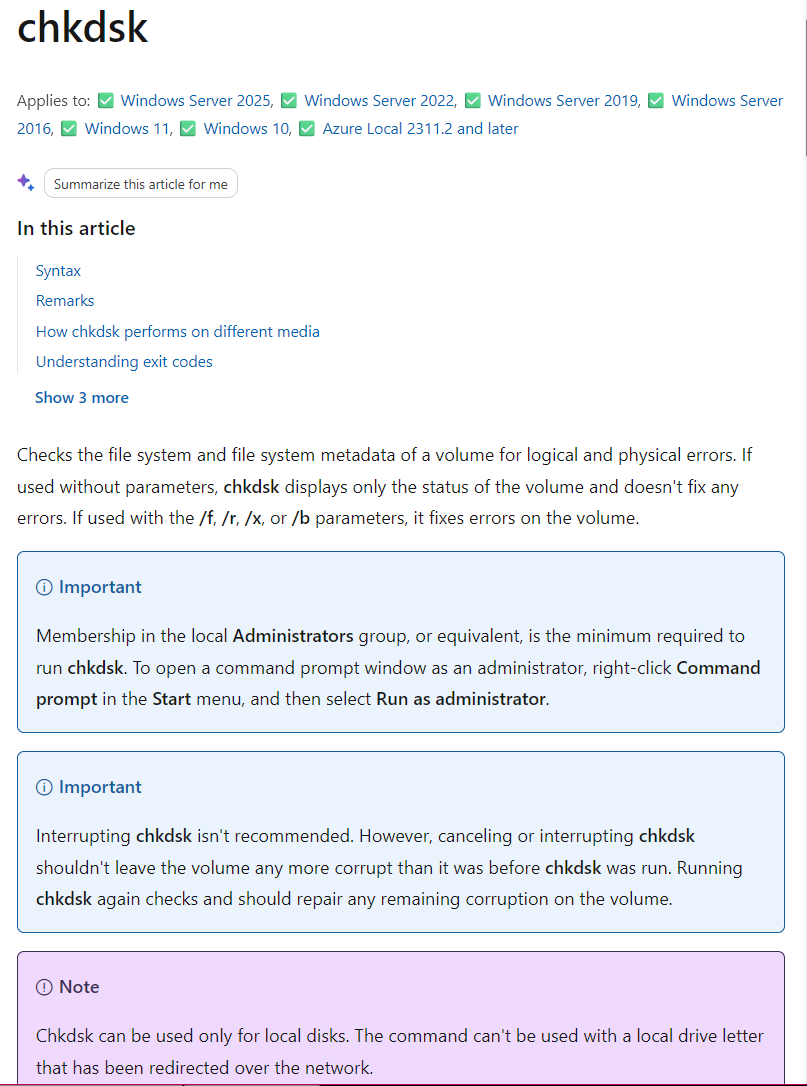
chkdsk
chkdsk f: /r

# /f fixes errors
# /r scans for bad sectors

chkdsk C: /f /r
Requires a reboot for system drives.
https://learn.microsoft.com/en-us/windows-server/administration/windows-commands/chkdsk