Unicode: Emoji vs Text
Unicode character become emoji?
Some unicode symbols, now become emoji, which makes many math symbols not usable.
for example:
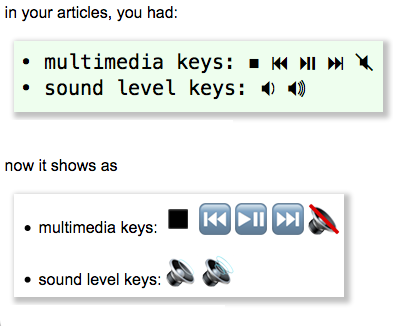
your browser shows:
- multimedia keys: ◼ ⏮ ⏯ ⏭ 🔇
- sound level keys: 🔉 🔊
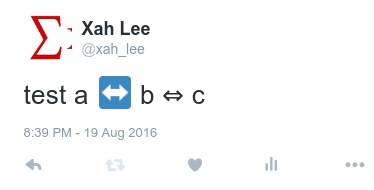
This is annoying.
When is a Unicode Character Rendered as Text or Emoji?
By Unicode's spec:
- Some characters have both emoji and textual presentation.
- Some characters have only emoji presentation.
- Some characters have only textual presentation.
- For those that have both emoji and textual presentation, Unicode specifies
- which one should be default.
A Unicode: Variation Selector can be used to chose a presentation.
“Variation Selector” is a invisible character. It indicates a rendering preference for the character before it.
Unicode character in Browser
Browser or application do not necessarily respect the variation selector. For example, twitter renders vast majority of emoji as emoji, and ignores the variation selector. (as of 2018-06-12)
Font Influence
If the app has an associated font with text, the font most likely determine if a character is represented as text or emoji.
Determine Text/Emoji Presentation of a Character
There's no programable way to tell which character have both emoji and or text presentation.
Unicode Variation Selector
Unicode Variation Selector Usually Has No Effect
Here is some characters with both emoji and text presentation.
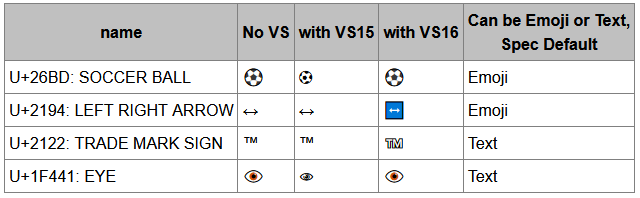
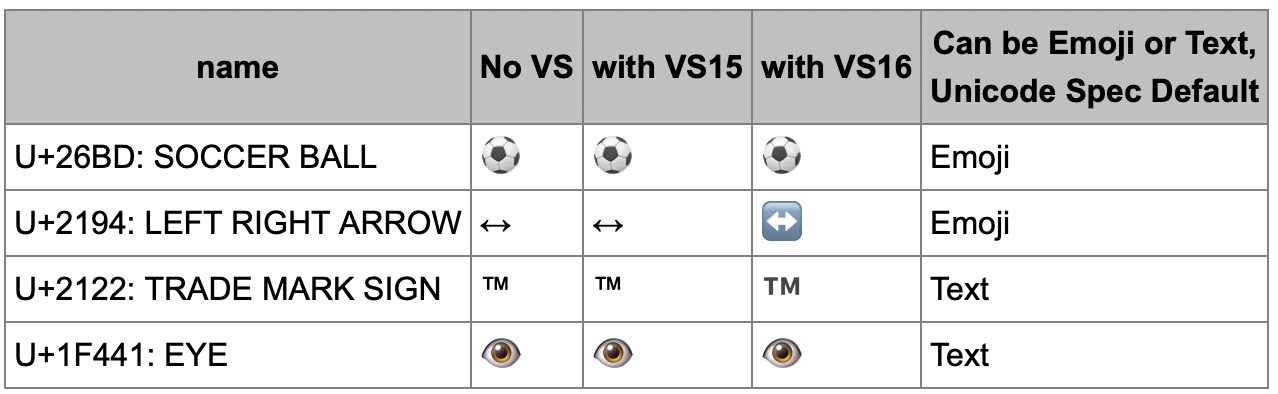
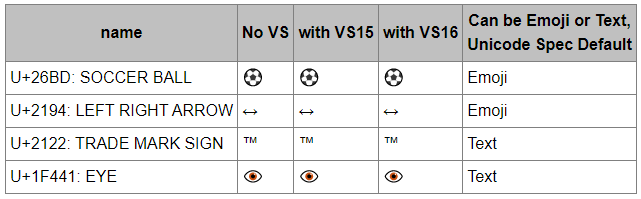
Here's what your browser shows:
| ID | name | No VS | with VS15 | with VS16 | Can be Emoji or Text, Unicode Spec Default |
|---|---|---|---|---|---|
| U+26BD | SOCCER BALL | ⚽ | ⚽︎ | ⚽️ | Emoji |
| U+2194 | LEFT RIGHT ARROW | ↔ | ↔︎ | ↔️ | Emoji |
| U+2122 | TRADE MARK SIGN | ™ | ™︎ | ™️ | Text |
| U+1F441 | EYE | 👁 | 👁︎ | 👁️ | Text |
Practical Solution
as of 2026-09-30 there is a CSS solution font-variant-emoji.
you can also set font. If you want a character to show as emoji, use emoji font. If you want a character to show as symbol, use symbol font.
but as of 2026-09-30, Firefox ignores font-family for emoji.