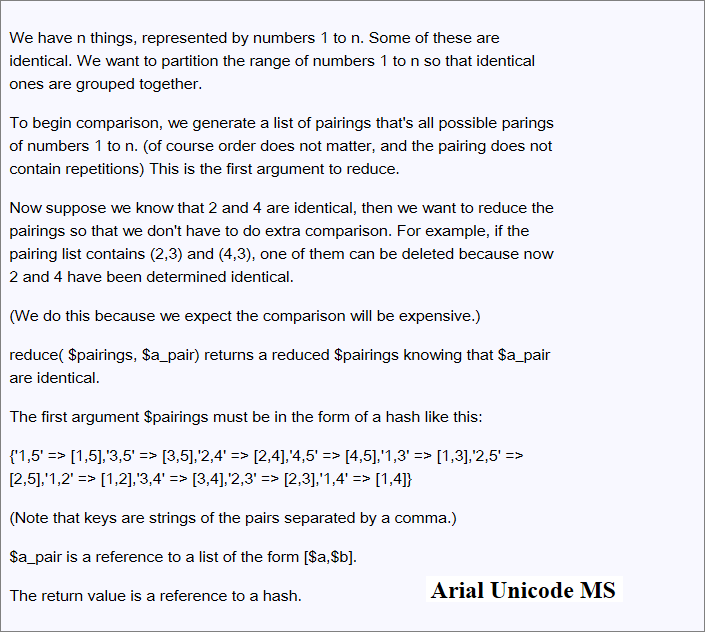
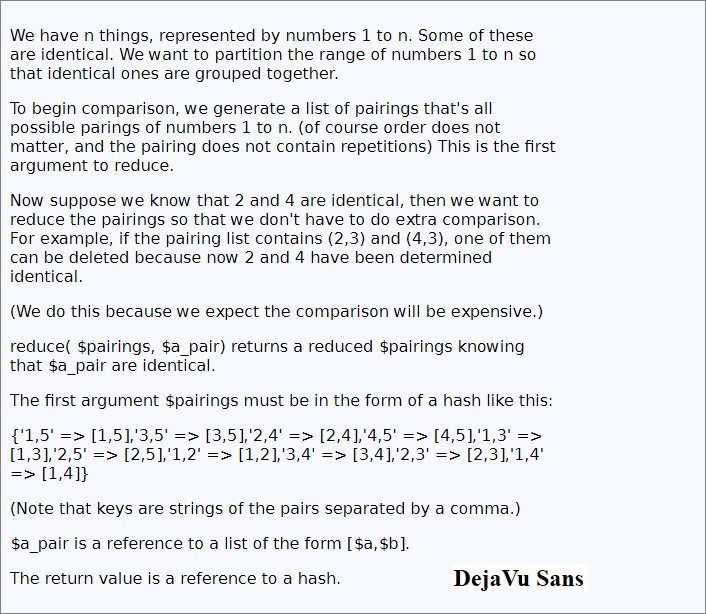
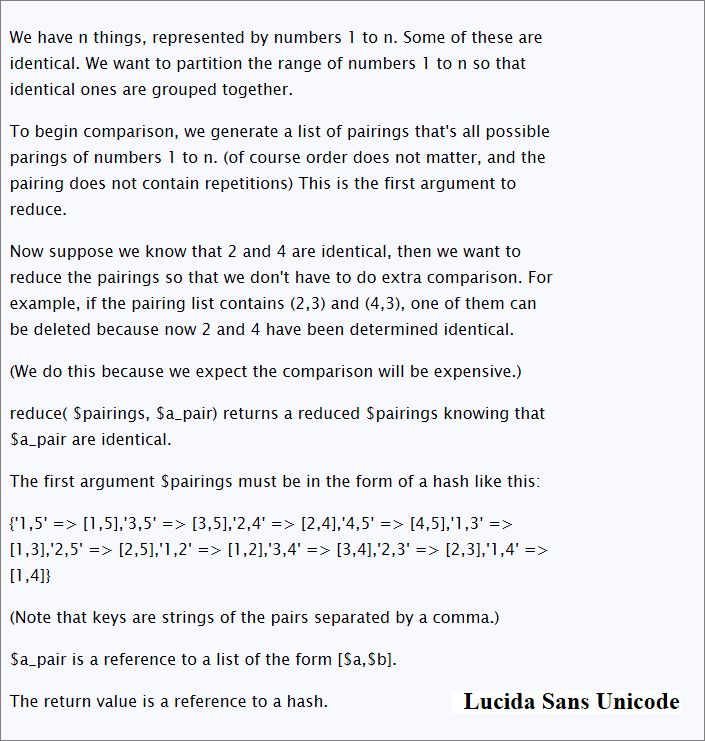
This page is a comparison of 3 Unicode fonts: {Arial Unicode MS, DejaVu Sans, Lucida Sans Unicode}.
Arial Unicode is from Microsoft and is bundled with Microsoft Office. It is also bundled with Mac OS X (since 10.5).
DejaVu Sans is a open source font and is bundled in many Linuxes (⁖ Ubuntu, OpenSUSE, Mandriva).
Both support wide number of characters in Unicode. (For info about them, see: Best Unicode Fonts for Programing.)
I use a lot math symbols and computing symbols in Unicode. 〔☛ Xah's Unicode Tutorial〕 Almost all latest versions of major browsers today will show all most Unicode chars, except Firefox 4, released recently, took a step backward in this department. 〔☛ Web Browsers Unicode Support; Firefox 4 Sucks〕 Firefox is a very popular browser, with close to 50% market share.
So, this means, you are forced to use CSS to specify a Unicode font. Not a good solution, because there's not one Unicode font that's common in all {Windows, Mac, Linux} and installed by default. But also, specifying a font is not a good solution because you may not wish your text to change appearance (you only wish the Unicode chars don't get displayed as blank squares). Also, linux users and Windows/Mac users will get slightly different experience of your site's UI due to which font they have installed.
Font size spec is font specific, adding the pain. ⁖ 16 point of font A is very different size than 16 point of font B. If you use absolute CSS unit such as cm (centimeter), that's also a problem because due to display density (pixels-per-inch; PPI) variation and the fact that this PPI info is NOT guaranteed to be available to browsers. Specifying sizes by absolute values such as cm, is itself not desirable because display sizes varies from cinema-sized screens to palm-sized smart phones. In a similar way, size by pixel also isn't a ideal solution. So, that means, you'll have a hard time to control widths if your site design is based on fixed-layout. 〔☛ Web Design: Fixed-Layout vs Flowed-Layout〕
Among the font choices, it comes down to Arial Unicode and DejaVu. So, this page shows common text displayed in them, for comparison of how they look, feel, when reading long texts.
Here's how to use CSS to specify font, if you don't know already.
body {font-family:"DejaVu Sans","Arial Unicode MS",sans-serif}
The above code means, if the user has “DejaVu Sans” installed, the browser will use that, else use “Arial Unicode MS”, otherwise use default sans-serif font.