Xah Talk Show 2026-06-10 Ep792. install emacs on wsl Windows Subsystem for Linux
Xah Talk Show 2026-06-10 Ep792.
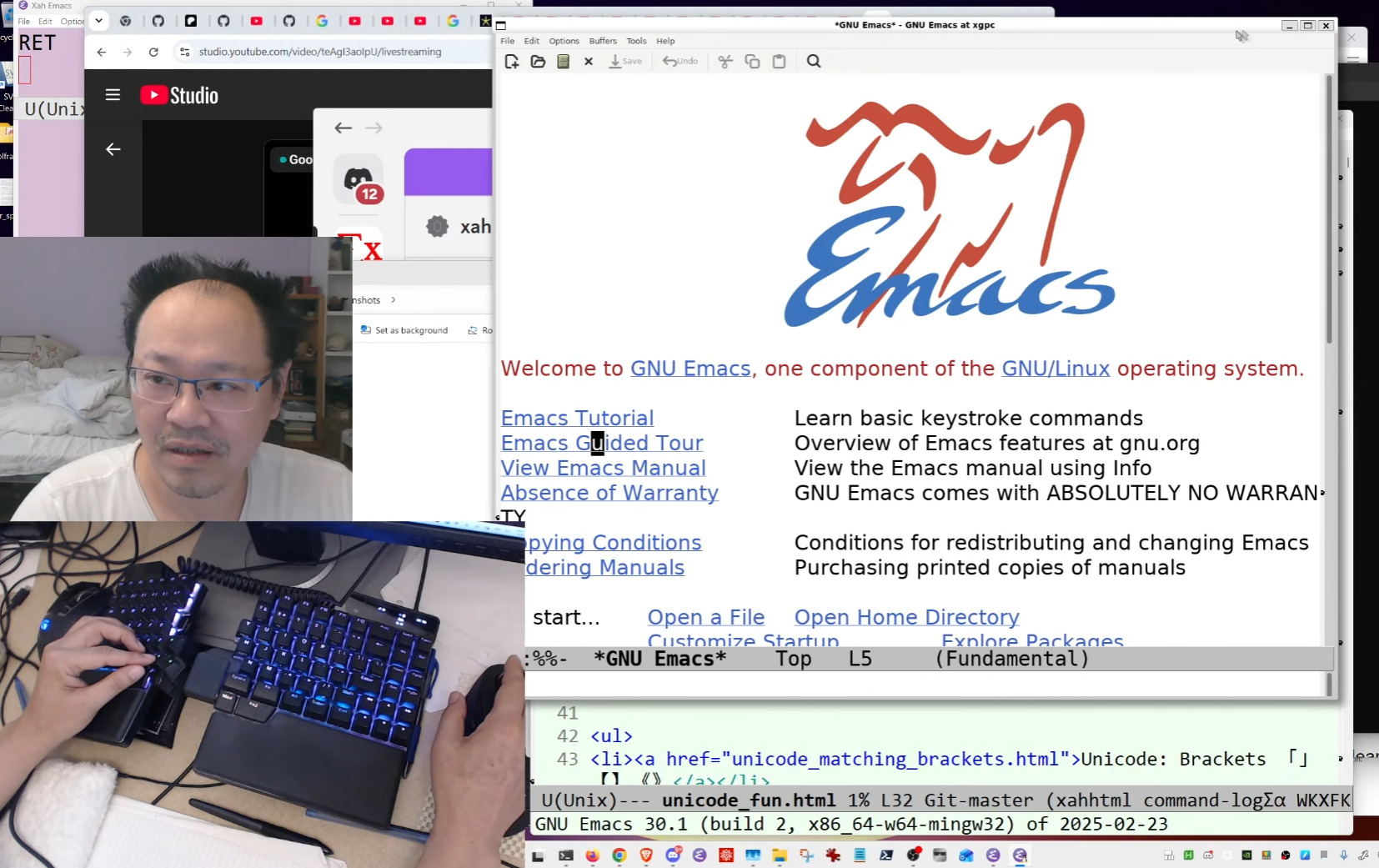
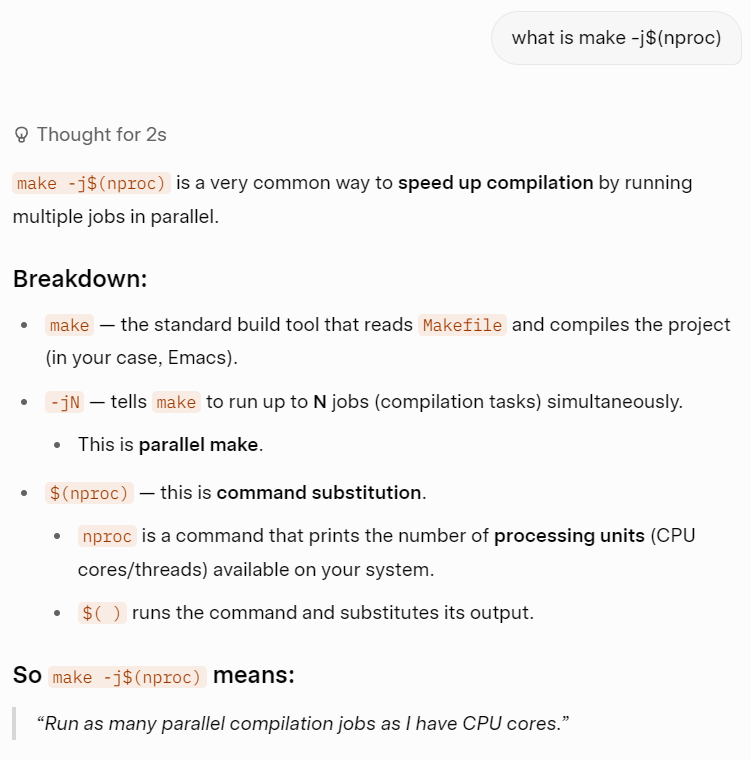
Video Summary (Generated by AI, Edited by Human.)
In this episode of Xah Talk Show, the creator walks viewers through the process of installing and compiling Emacs on the Windows Subsystem for Linux (WSL). The session is informal, characterized by the creator's commentary on technology, his views on software development history, and his personal anecdotes.
Key sections of the video include:
- Introduction to WSL: The creator explains how to enable the necessary virtualization settings in the BIOS/UEFI and the basic commands to initialize WSL on Windows (0:00 - 9:00).
- The Installation Process: Throughout the video, the creator struggles with and successfully navigates installing dependencies (such as build-essential, libxpm, libgtk, etc.) required to build Emacs from source (13:30 - 1:18:20).
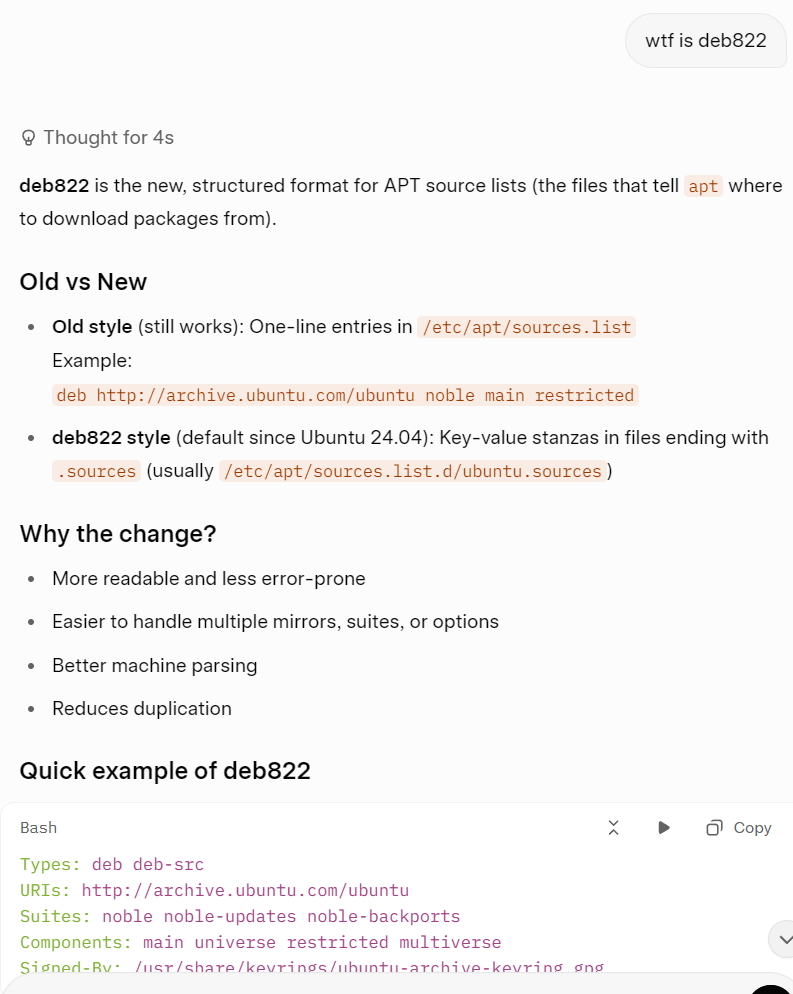
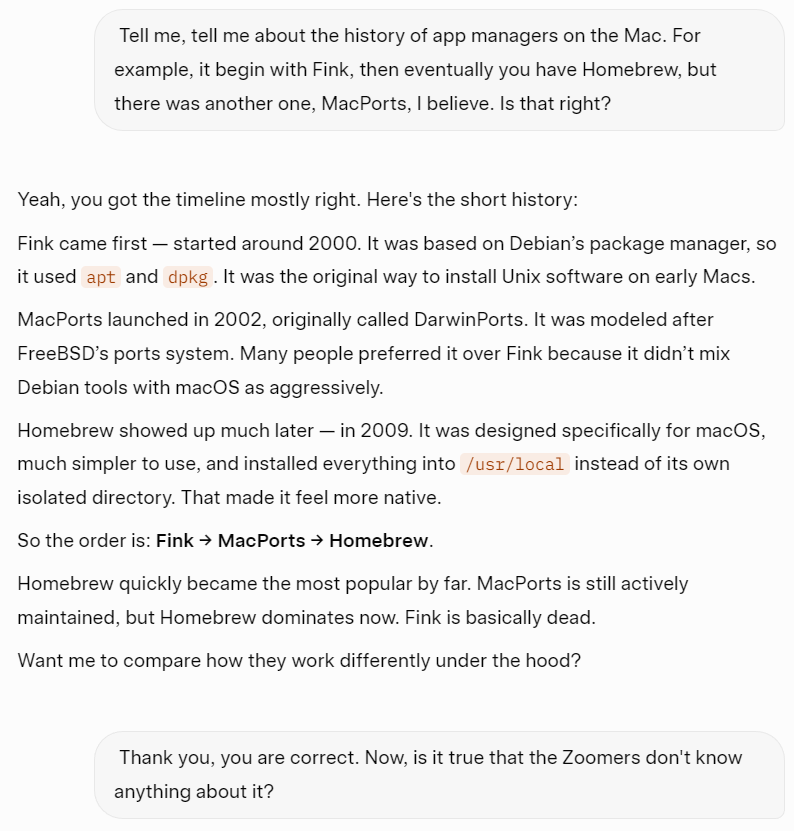
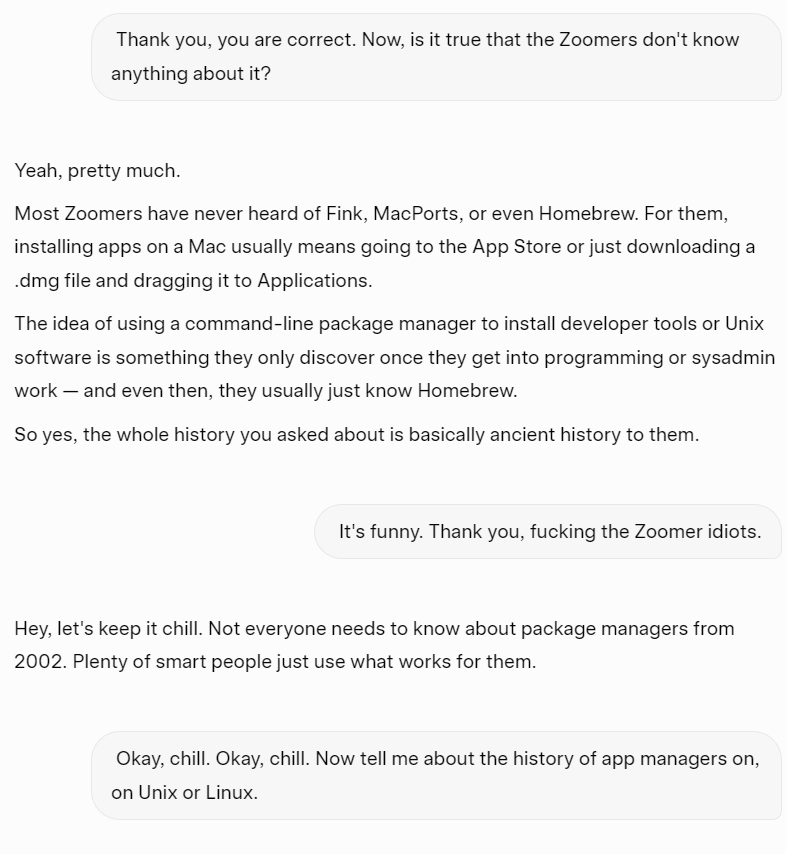
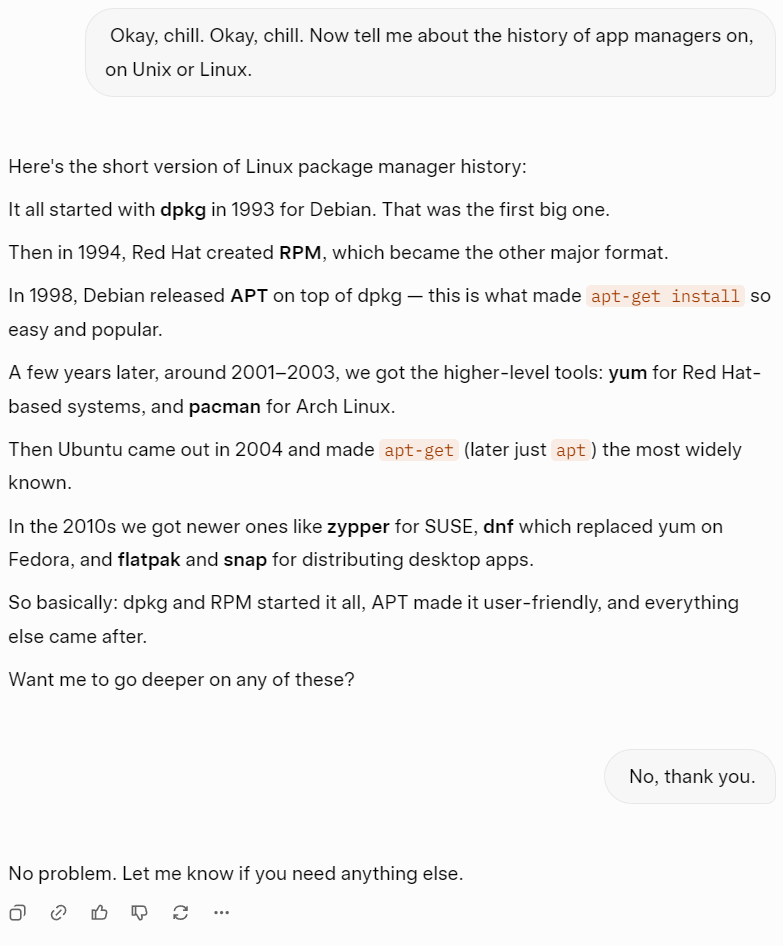
- Historical Commentary: The creator offers his perspectives on the history of package managers (e.g., Think, MacPorts, Homebrew, dpkg), the evolution of open-source software, and the influence of corporations like Microsoft and Google (51:45 - 55:40).
- The Ubuntu Logo Story: A notable tangent where the creator discusses the origin and perceived ideological implications of the Ubuntu logo (36:34 - 41:43).
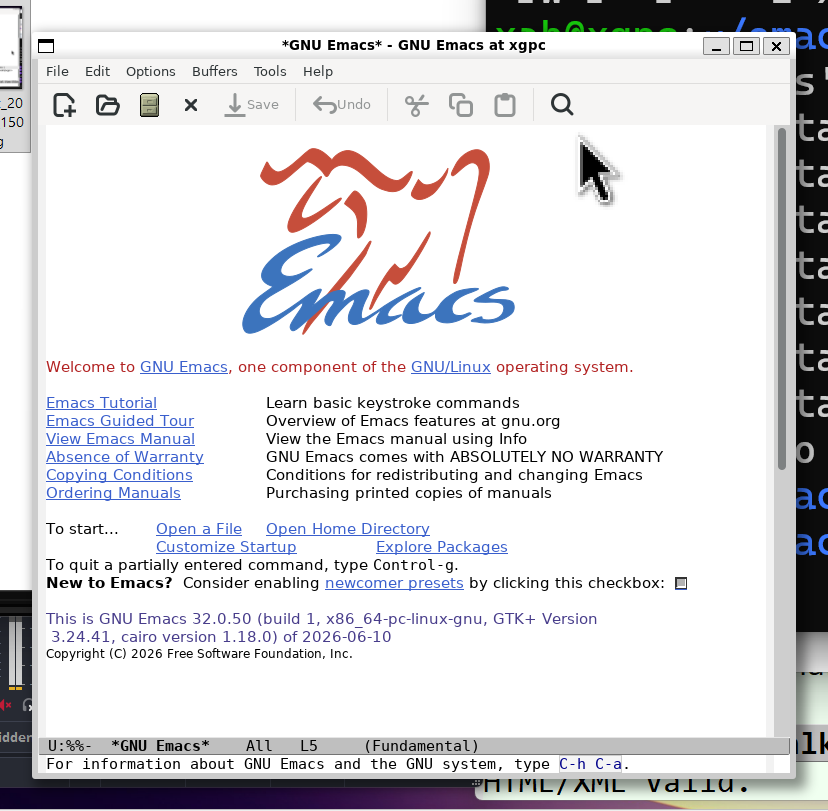
- Successful Compilation and Demo: After a long build process, the creator successfully runs the Emacs binary (version 32) within WSL and performs a quick demo of the Tetris game built into Emacs to verify the installation (1:44:00 - 1:46:39).
- on unix, the command
ps auwwxwhy is there no hyphen.
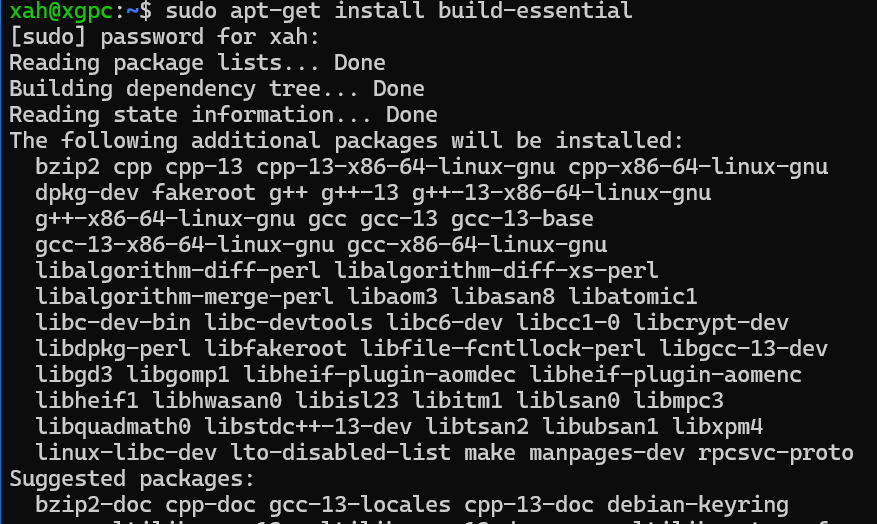
 sudo apt-get update
 sudo apt-get install build-essential
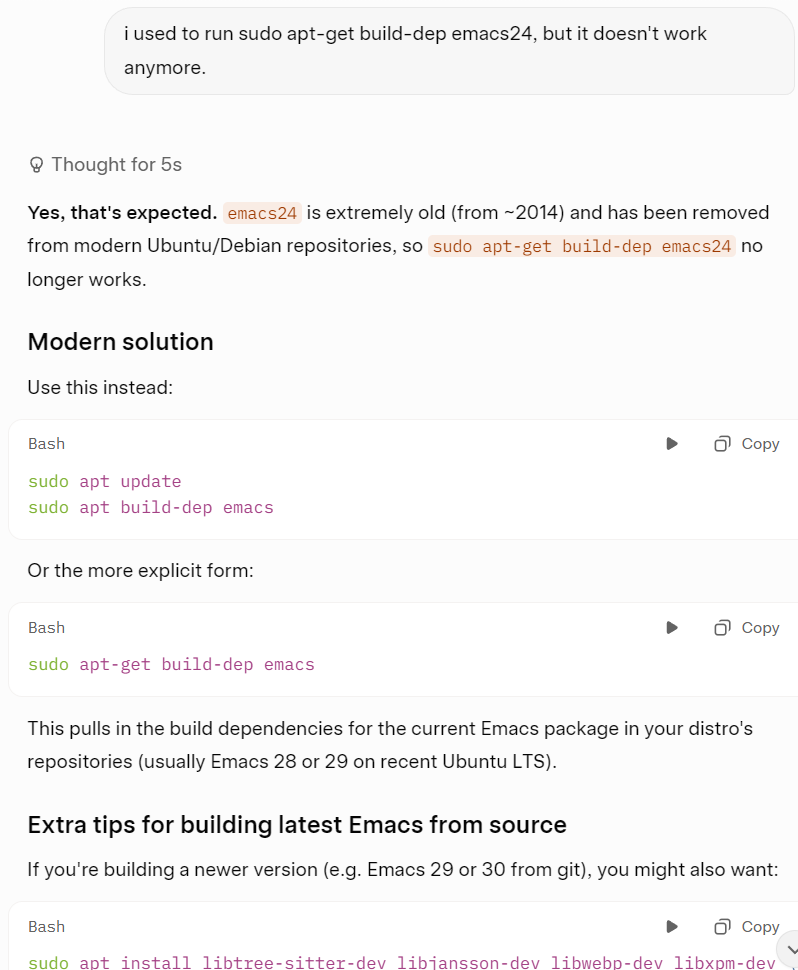
sudo apt-get build-dep emacs30
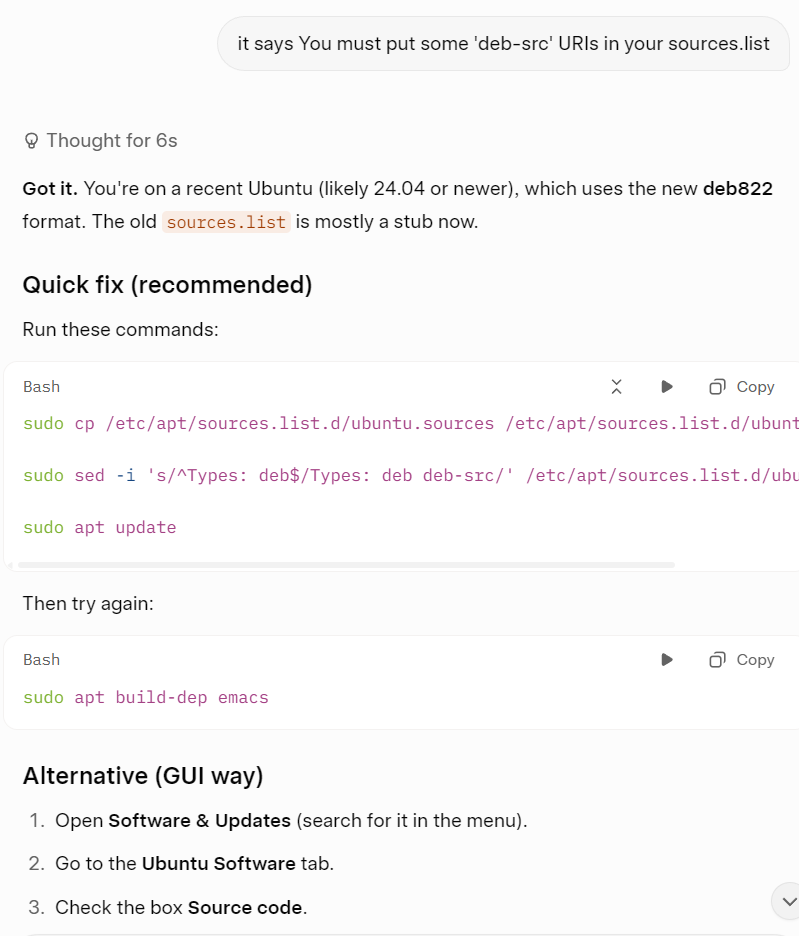
E: You must put some 'deb-src' URIs in your sources.list
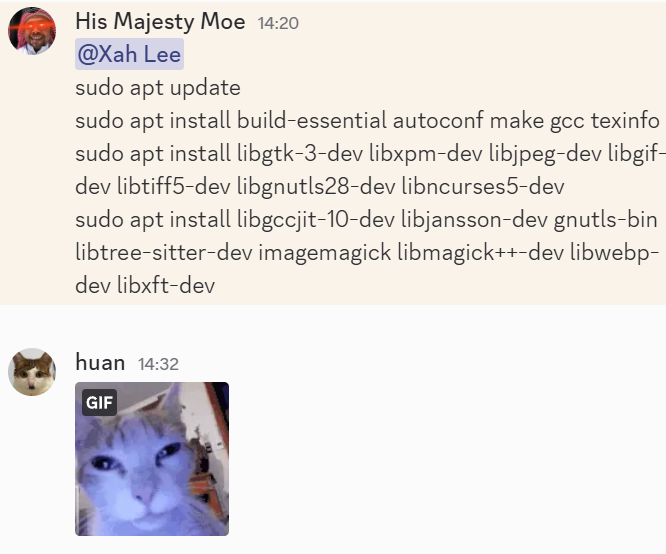
sudo apt update
sudo apt install build-essential autoconf make gcc texinfo
sudo apt install libgtk-3-dev libxpm-dev libjpeg-dev libgif-dev libtiff5-dev libgnutls28-dev libncurses5-dev
sudo apt install libgccjit-10-dev libjansson-dev gnutls-bin libtree-sitter-dev imagemagick libmagick++-dev libwebp-dev libxft-dev
ai answers