Mac: Turn on File Sharing
What's File Sharing on the Mac
When you have file sharing on machine x, other machines can access the files on machine x.
Turn on File Sharing on the Mac
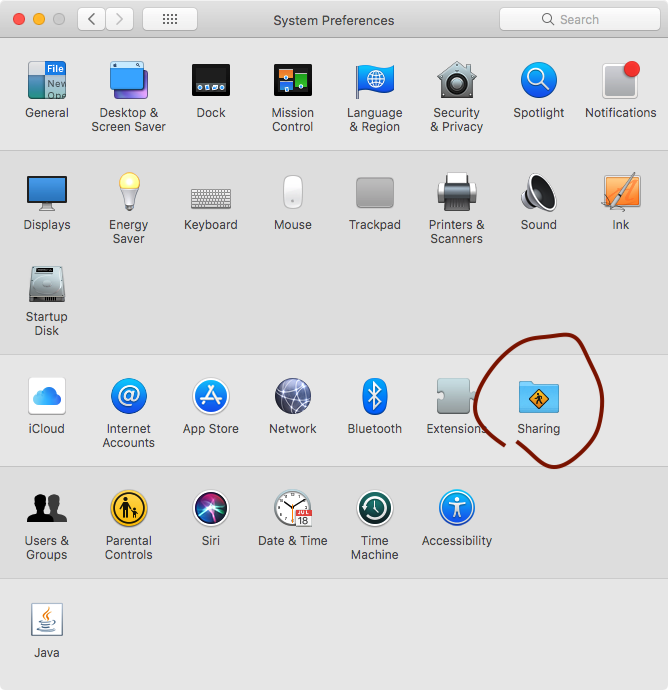
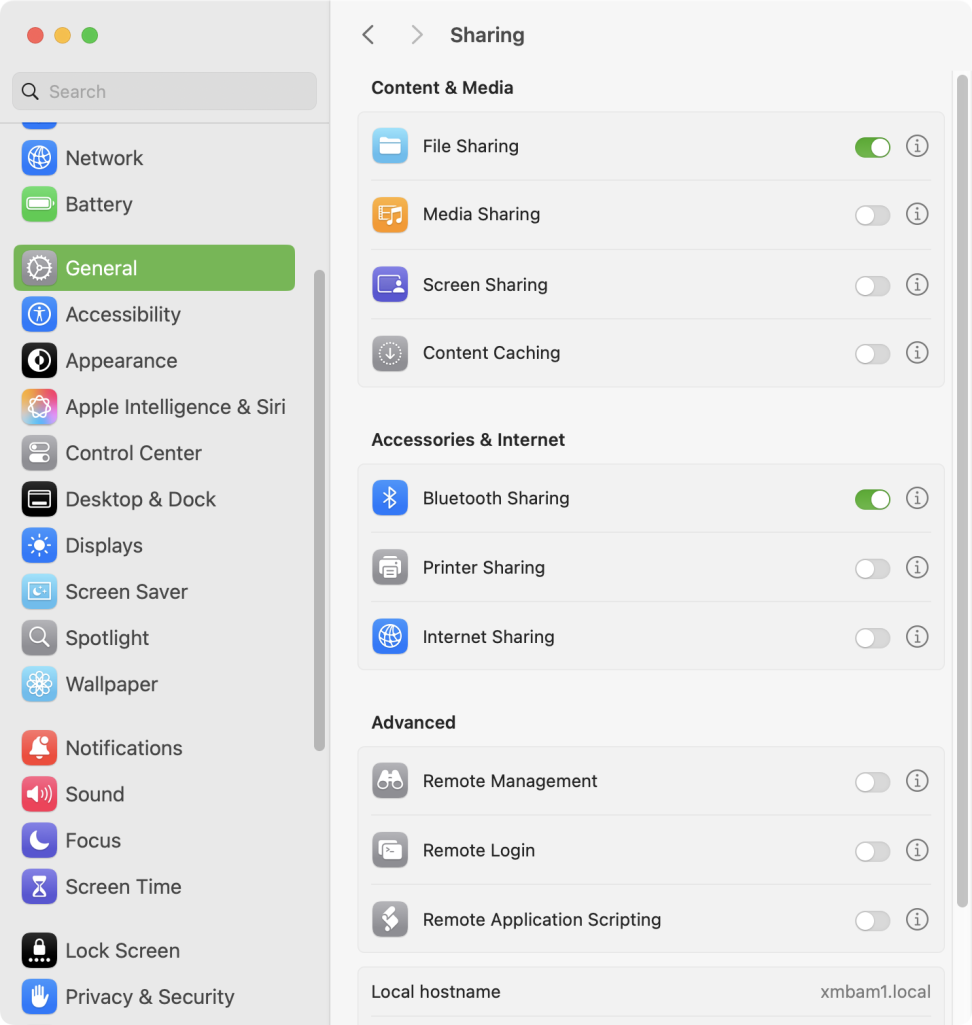
On Mac, turn on file sharing. In System Settings, General, Sharing.
Get Your Mac Machine's Local IP Address
you need the mac's local ip address when you want to connect to it from another machine.
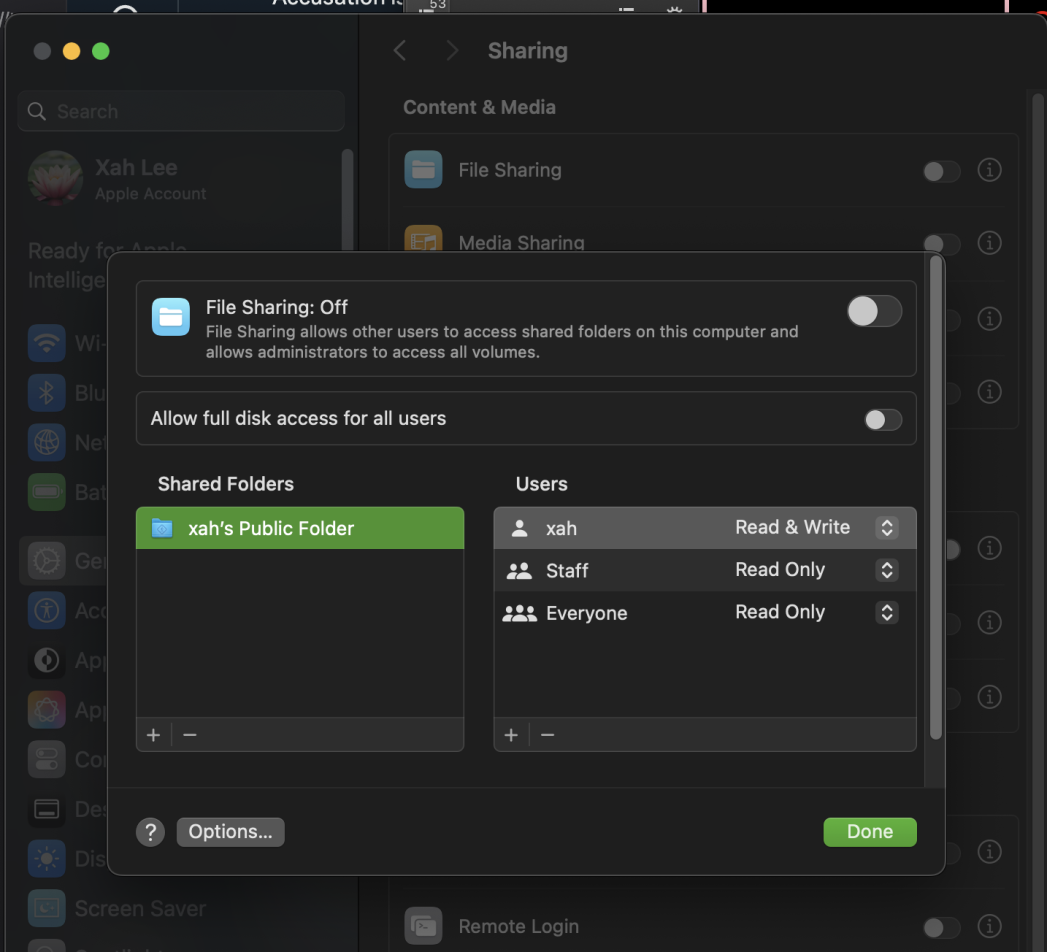
when you turn on file sharing, click the ⓘ button, it'll show you your Mac's local ip address, e.g.
\\192.168.0.179\
or, find the local IP address on a Mac, open Terminal and type
ipconfig getifaddr en0→ get local ip address for Wi-Fi connectionipconfig getifaddr en1→ get local ip address for wired connection
this is the address you need to type in, on Microsoft Windows machine, in the address field of File Explorer.
Old Mac System Preference