Xah Talk Show 2025-11-30 Ep717 Wolfram Language, Write Custom Function to Convert 2d Graphics to SVG
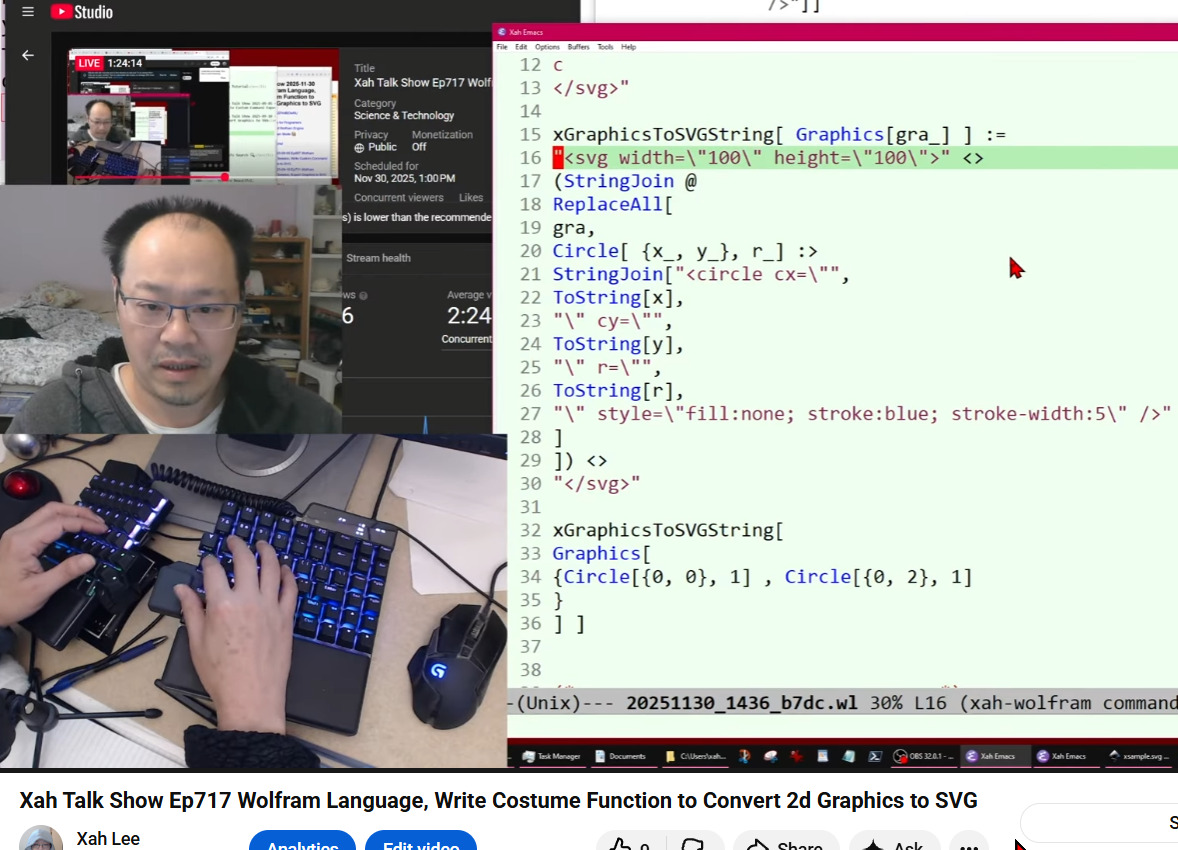
Video Summary (Generated by AI, Edited by Human.)
This video introduces a project to write a custom Wolfram Language function that converts 2D graphics into SVG (Scalable Vector Graphics) format.
The creator explains that while Wolfram Language has a built-in Export function for SVG, it often generates "bloated" files that are much larger than necessary (2:14, 2:27, 8:01). The goal is to write a more efficient custom function to address this.
The video demonstrates how to define a basic Wolfram Language function, how to use pattern matching (/. or ReplaceAll) to identify and transform Circle primitives, and how to use StringJoin to build the SVG text (37:52, 40:41). By the end of the video, a functional base is established that can convert Wolfram Language Circle expressions into simplified SVG `` elements and include the necessary SVG header and footer tags (1:02:40, 1:22:18, 1:24:03).
The creator notes that future episodes will expand this function to handle other graphic primitives (like lines and rectangles) and more complex attributes such as colors and line thickness (1:26:46, 1:27:52).
- write a custom function to convert Wolfram language 2d graphics to SVG.
- Wolfram language has Export function that can export svg, but for 2d graphics, it creates a large file.
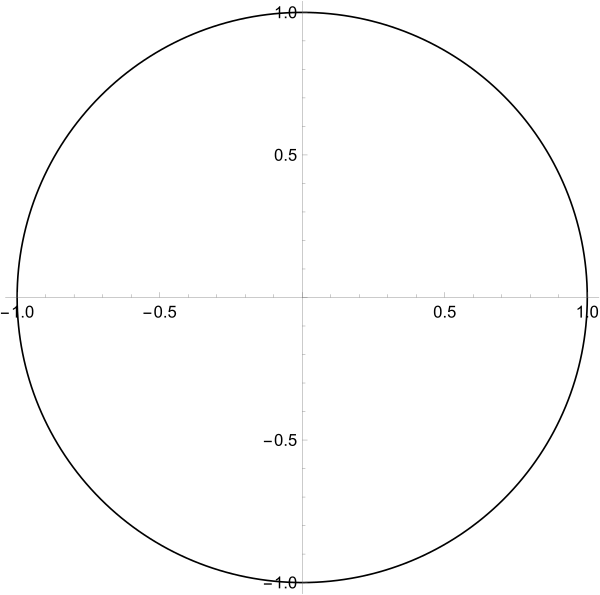

(* Wolfram language graphics syntax *)

Graphics[
Circle[{0,0},1],
Axes -> True
]

(* s------------------------------ *)

(* by default, you can export to svg *)

Export[
"xsample.svg"
,
Graphics[
Circle[{0,0},1],
Axes -> True
]
]
- essentially , turn Wolfram language graphics syntax to svg text.
(*

example Wolfram language circle syntax:

Graphics[Circle[{0, 0}, 1], Axes -> True]

example svg circle syntax:

<circle cx="50" cy="50" r="50" style="fill:yellow; stroke:blue; stroke-width:5" />

and Wolfram language

Graphics[...]

needs to become

<svg width="100" height="100">...</svg>

*)
(* basic example of replacing circles  *)

ReplaceAll[
{
Circle[{0, 0}, 1] ,
Circle[{2, 2}, 2]
}
,
Circle[ {x_, y_}, r_] :>
StringJoin["<circle cx=\"",
ToString[x],
"\" cy=\"",
ToString[y],
"\" r=\"",
ToString[r],
"\" style=\"fill:none; stroke:blue; stroke-width:5\" />"
]
]

(* {
<circle cx="0" cy="0" r="1" style="fill:none; stroke:blue; stroke-width:5" />,
<circle cx="2" cy="2" r="2" style="fill:none; stroke:blue; stroke-width:5" />
} *)
(* we want to turn this *)
Graphics[{"a", "b", "c"}]

(* into this *)
"<svg width=\"100\" height=\"100\">
a
b
c
</svg>"

(* we can do it by *)
StringJoin[{"a", "b", "c"}]
(* abc *)

StringJoin @@ Graphics[{"a", "b", "c"}]
(* abc *)
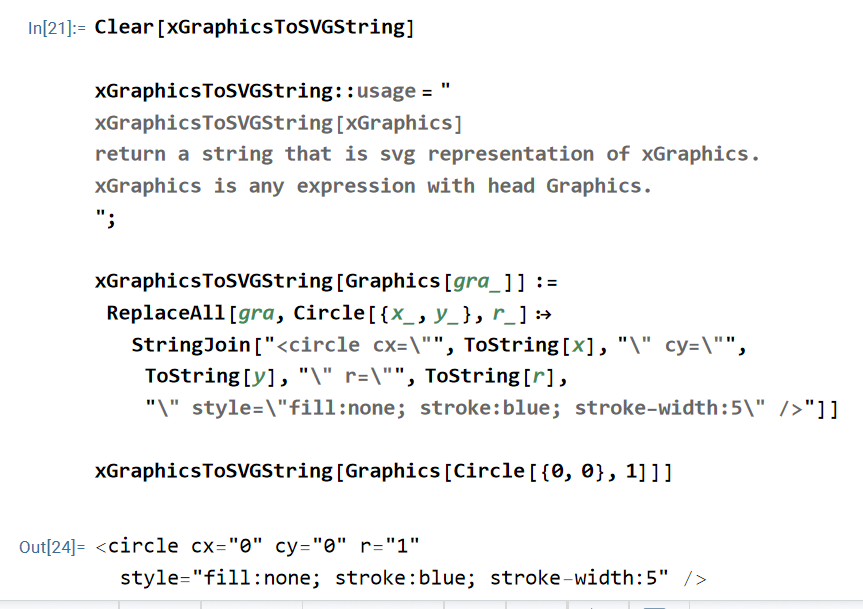
Clear[xGraphicsToSVGString]

xGraphicsToSVGString::usage = "
xGraphicsToSVGString[xGraphics]
return a string that is svg representation of xGraphics.
xGraphics is any expression with head Graphics.
";

xGraphicsToSVGString[ Graphics[gra_] ] :=
"<svg width=\"100\" height=\"100\">" <>
(StringJoin @
ReplaceAll[
gra,
Circle[ {x_, y_}, r_] :>
StringJoin["<circle cx=\"",
ToString[x],
"\" cy=\"",
ToString[y],
"\" r=\"",
ToString[r],
"\" style=\"fill:none; stroke:blue; stroke-width:5\" />"
]
]) <>
"</svg>"

xGraphicsToSVGString[
Graphics[
{Circle[{0, 0}, 1] , Circle[{0, 2}, 1]
}
] ]