Windows 11: Disable Widgets (2026)
What is Windows Widgets
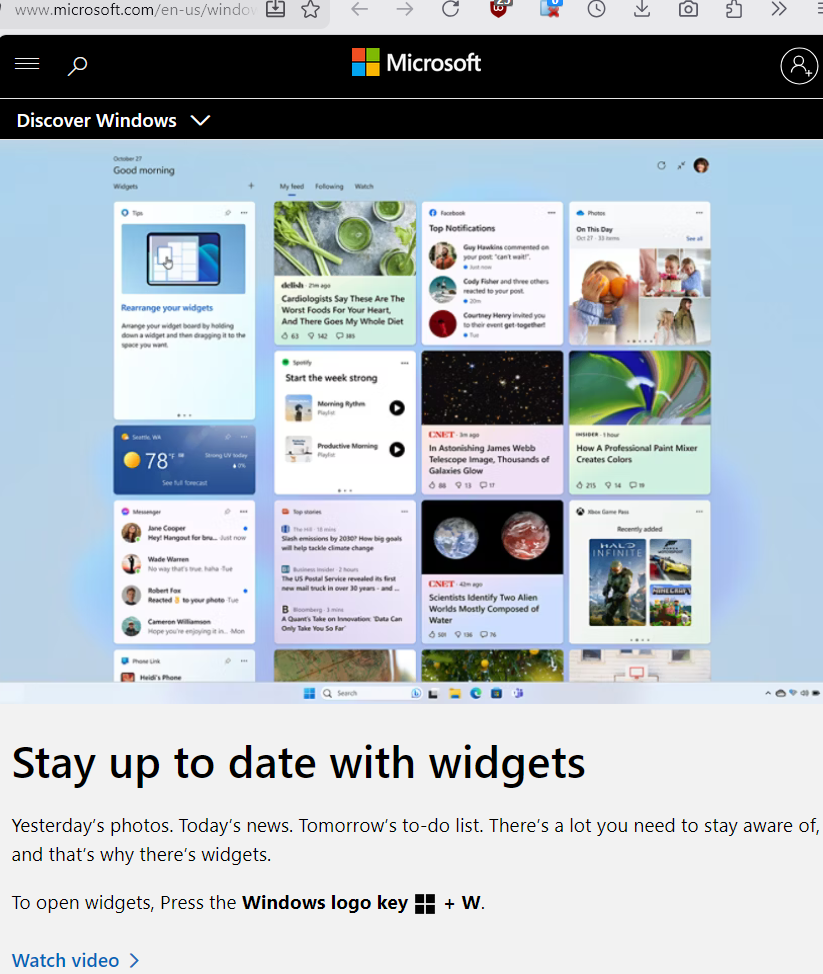
Windows 11 Widgets are small, interactive UI cards that provide quick access to dynamic information—such as weather, news, calendar events, sports scores, and stock data—without requiring the user to launch full applications. These widgets are displayed within the Widgets Board, a semi-transparent overlay panel that slides out from the left edge of the screen when the user clicks the taskbar icon, swipes from the screen edge, or presses the Windows + W keyboard shortcut.
Uninstall Widgets in Microsoft Windows 11
winget uninstall "Windows Web Experience Pack"
