Xah Talk Show 2025-12-29 Ep735 Learning Fsharp by Asking AI. Write a Find Replace Script
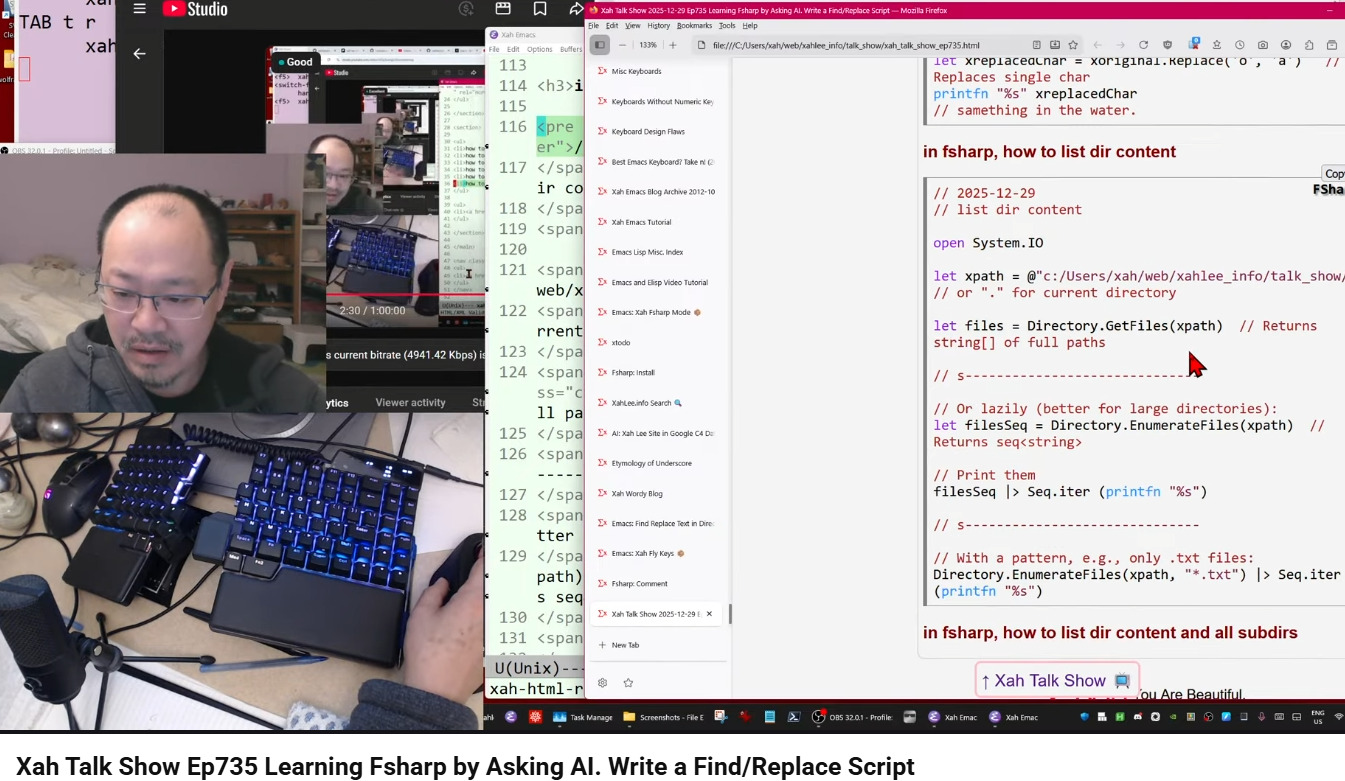
Video Summary (Generated by AI, Edited by Human.)
This video, titled "Xah Talk Show Ep735 Learning Fsharp by Asking AI. Write a Find/Replace Script," features Xah Lee exploring the F# programming language with the assistance of AI.
Here's a breakdown of the key topics:
Learning F# with AI Assistance (0:31-1:15): Xah emphasizes the advantage of using AI, specifically grok, for learning new programming languages compared to traditional methods like Stack Overflow or official documentation. He highlights how AI can generate tutorials and provide instant answers.
AI and Data Scraping (2:19-4:03): The speaker discusses how AI models, like those from Google, have scraped vast amounts of data from websites, including his own, without compensation. He mentions the impact on platforms like Stack Overflow, claiming AI "killed it overnight" due to its ability to quickly access and synthesize information.
The "Find and Replace" Script as a Learning Tool (4:08-5:26): Xah explains that he uses the process of writing a "find and replace" script to learn new programming languages. He showcases examples of this script implemented in various languages, including Wolfram language, Golang, Python, and Perl.
Critique of Unix and C (5:53-8:09): The speaker expresses his strong dislike for Unix and C, referring to them as "the greatest damage to computing industry." He criticizes their design philosophy, particularly the lack of elegance and extensibility.
F# Fundamentals with AI Help (18:13-45:37): Xah demonstrates how he uses AI to learn fundamental F# operations:
Reading file content into a string (18:13-21:01): He successfully gets AI to provide code for reading a file.
Writing to a file (21:48-24:00): AI assists him in writing a string to a file.
Replacing strings (24:51-35:42): Xah learns how to use the built-in replace method in F# for string manipulation, noting the immutability of F# strings.
Printing to console (27:23-31:17): He discovers the printfn and printf functions for printing in F#.
Listing directory contents (recursive and non-recursive) (36:06-44:12): AI provides code examples for listing files and subdirectories, including recursive options.
Concluding Thoughts on F# and AI (44:15-47:28): Xah expresses his positive impression of F# so far, noting its simplicity and functional programming aspects. He reiterates the incredible utility of AI in learning and emphasizes that AI represents a "pinnacle of human technology achievement."
- Golang: Find Text in Directory (grep) 📜
- Golang: Regex Find Replace Text in Directory 📜
- Python: Find Replace Text in Directory 📜
- Python: Regex Find Replace Text in Directory 📜
- Perl: Find Replace Text in Directory 📜
- Emacs: Find Replace Text in Directory
- Emacs: Xah Find Replace (xah-find.el) 📦
- Wolfram: Find Replace Text 📜
in fsharp, how to read a file as string
// 2025-12-29
// read file into a string

open System.IO

let xfilePath = @"c:/Users/xah/web/xahlee_info/talk_show/xah_talk_show_ep735.html"
  // Use @ for verbatim strings or escape backslashes
let content: string = File.ReadAllText(xfilePath)

printfn "%s" content
in fsharp, how to write to a file
// 2025-12-29
// write a string to a file

open System.IO

let content = "hi there beautiful."

File.WriteAllText("output.txt", content)
how to print in fsharp
printf "Hello, "
printf "world!"

printfn ""  // Adds a newline for clean output

printfn "Hello, world!"
in fsharp, how to replace string
// 2025-12-29
// replace string

let xoriginal = "something in the water."

let xreplaced = xoriginal.Replace("water", "fire")

printfn "%s" xreplaced
// something in the fire.

// s------------------------------

// replace a char

let xreplacedChar = xoriginal.Replace('o', 'a')   // Replaces single char
printfn "%s" xreplacedChar
// samething in the water.
in fsharp, how to list dir content
// 2025-12-29
// list dir content

open System.IO

let xpath = @"c:/Users/xah/web/xahlee_info/talk_show/"
// or "." for current directory

let files = Directory.GetFiles(xpath)  // Returns string[] of full paths

// s------------------------------

// Or lazily (better for large directories):
let filesSeq = Directory.EnumerateFiles(xpath)  // Returns seq<string>

// Print them
filesSeq |> Seq.iter (printfn "%s")

// s------------------------------

// With a pattern, e.g., only .txt files:
Directory.EnumerateFiles(xpath, "*.txt") |> Seq.iter (printfn "%s")
in fsharp, how to list dir content and all subdirs
open System.IO

let xpath = "c:/Users/xah/web/xahlee_info/talk_show/"

// All files recursively
Directory.EnumerateFiles(xpath, "*.*", SearchOption.AllDirectories)
|> Seq.iter (printfn "%s")

// Or with DirectoryInfo
// dirInfo.EnumerateFiles("*.*", SearchOption.AllDirectories)
// |> Seq.iter (fun fi -> printfn "%s" fi.FullName)
in fsharp, why open System.IO not import or require
- in fsharp, why open System.IO not import or require
- https://x.com/i/grok/share/r0kRLvr6I04TGfhQnc4hHJAqR