xtodo JavaScript js
js async promise
grok ai code
- review the part on Nodevalue.
- JS DOM: innerHTML, textContent, innerText, nodeValue
What's the difference between target vs currentTarget
The Error cause feature, standardized in ECMAScript 2022, allows developers to chain errors by passing the original error as a property in the Error constructor's options object. This is achieved using the syntax new Error("message", { cause: originalError }), which preserves the original error's stack trace and type for better debugging.
- complete update on my JavaScript in depth tutorial. (search and remove all xtodo) go thru all ecma. JS: ECMAScript New Features. 2015 to 2026
String.raw Property???
The first argument has a property key "raw". Its value is the raw string.
- xtodo
- 2015-10-26
- explain, about tagged template string, where the “tag” isn't just a function. that's prob wrong perspective. the tag can be ES6 MemberExpression or CallExpression
- show example of using the default String.raw()``
- evaluate the quality of this tutorial http://xahlee.info/js/js_import.html
- https://x.com/i/grok/share/poQlwm9jttNoIFunf5H5rcpNw
- whats jsr format in js
- https://x.com/i/grok/share/T0k6ApkwmqyvmyhS0oJ66IGyI
make functional programing example
- search “Function form lets you manipulate expressions”. e.g. reflect.get page. create a new page showing example. and all pages link to it.
- how to use deno to convert markdown to html
- https://x.com/i/grok/share/iLLGSyjItzPRaNyMSStYocxx5
- whats the problem of js not having int and float type
- https://x.com/i/grok/share/lEGFBnP9vGUcwodzWGRbTpY7z
- JavaScript wart: What is the problem of no integer type (2026)
- lol. silly youtube zoomers.
- but that's a good idea for javascript to gen this

- 2025-04-29
- JavaScript fix snow fall page. make it all just fall, no bounce back.
- make it number of flakes according to screen size
- JS DOM: Falling Snow Effect
- 2025-04-29
- review my js iterator generator etc. need to be able to control reset or not

const xx = Array(4).fill(0).map((x, i) => x + i);
console.log(xx);
// [ 0, 1, 2, 3 ]

// yy = xx[Symbol.iterator];

// console.log( yy )

// console.log( yy() .next() )

console.log( xx[Symbol.iterator]().next(), );
// { value: 0, done: false }

console.log( xx[Symbol.iterator]().next(), );
// { value: 0, done: false }

/*
the complex javascript iterator generator interface fucks.

here, first is the complexity of no range function.
you got the fill method patch to deal with that.

then, am trying to deconstruct the iteratable interface, trying to get its next value.
but apparantly it resets.

very complex, because the iterable contains a property of type symbol, named Symbol.iterator.
it's value must be a function.
and it must return a object, this object must have a next property, and this property's value must be a function.
this is why u get this funky
xx[Symbol.iterator]().next()

its return value, is a object, that contains value and done keys.

yet, somehow it resets. am unable to get it to 0, 1, 2, 3, etc.
 */
- what's new in js 2022
- https://x.com/i/grok/share/9EcaXLsckPXkiZ23QGbCjE9LO
- number input forms
- need to fix the char frequency. need more corpus Ergonomic Keyboard Layouts
- Character Frequency Plot
- 2021-04-29 work in progress
- bigram calculator
- 2021-04-09 write a interactive JavaScript to compute bigram chart. What is the Most Efficient Keyboard Layout?
- 2022-09-29 write code to count word frequency, of my site. and bigram. use golang and WolframLang
- change char frequency chart diagram to svg. e.g. Myth of QWERTY vs Dvorak Layout , check all pages.
- 2021-05-20 change to svg Russian Keyboard Layout
- 2021-11-26 add how to add a style sheet on the page. See also: JS DOM: Change CSS. look at the code for unicode search.
- 2023-10-31 node.attributes JavaScript
js walk dir
- show deno code that list files in s folder and nested folder, using only deno core
- https://x.com/i/grok/share/wgDKtaPZtgpCZCac2gWwjKg4Q
- does deno have builtin lib that does not require internet access
- https://x.com/i/grok/share/ELVCzl3RQ9do0z3B9GO6z3tlJ
- JavaScript deno walk dir https://deno.land/std@0.135.0/fs#expandglob
Georrg, 11/03/2022 @XahLee standard library has walk and walkSync functions
- async: https://deno.land/std@0.162.0/fs/walk.ts?s=walk
- sync: https://deno.land/std@0.162.0/fs/walk.ts?s=walkSync
import { walkSync } from "https://deno.land/std@0.162.0/fs/walk.ts";

for (const entry of walkSync(".")) {
console.log(entry.path);
}
- 2022-09-26 JS: JSON.stringify, doc optional args
- 2022-09-26 JS: JSON.parse , doc optional args
- 2022-08-21 test innerText , and also more study on nodeValue
- JS DOM: innerHTML, textContent, innerText, nodeValue
- 2022-09-04 update
- jQuery Selector vs DOM querySelectorAll
- 2022-09-04 review
- JS DOM: innerHTML, textContent, innerText, nodeValue
- 2022-09-04 JavaScript Java class model vs JavaScript class model
- 2022-09-02 JavaScript maybe delete any mention of “also is a Iterator”
- JS: Iterator Object
- 2022-08-31 group the object properties
- JS: Object.keys
- Difference Between Implied Global and True Global Variable JS: Global Variable
-
2022-10-14 write a
xah_is_map_equalandxah_is_set_equal
- 2022-07-28
- JS: Symbol.prototype
- 2022-03-26 JavaScript obfusticate my unicode search code https://github.com/javascript-obfuscator/javascript-obfuscator
- 2022-03-14 JS: Symbol (class) need complete
- need list of all unicode properties JS: Regex Unicode Property
- 2022-02-19 add how to use python to do it
- Unicode: Letter Character
- Python: Get Unicode Name, Code Point
- Python: Unicode
- 2022-01-11 JavaScript svg, need to rewrite Emacs Key Layout Diagram
- 2021-12-17 JavaScript, write a syntax highlight. start perhaps for elisp. just do simple word highlight. use regex. highlight vars if possible. highlight comment. possibly even ignore string.
- 2021-05-20 . write JavaScript svg keyboard diagram
- write a js to generate keyboard svg diagram
- ;; 2022-04-03 There's a new notation for key, based on finger.
- ;; For example the qwerty e key is Lp2p1.
- ;; The notation is like this: [left or rigt hand][column number][row number].
- ;; L means left hand, R means right hand
- ;; Column position, pointing finger is 1, index is 2, ring finger is 3, pinky is 4, and so on in that direction. Thumb is 0. In the thumb direction is -1, -2 etc.
- ;; Row position, home row is 0. Above is 1, below is -1.
- ;; Positive number are written with p in front. Eg p1, p2. Zero is p0. Negative can be written with n in front, eg n1, n2.
- ;; This system is a notation system for keyboard physical layout, which also indicates associated finger for that key.
- ;; The advantage is that it's a logical system, not based on arbitrary table lookup.
- ;; Qwerty, dvorak, etc can then be mapped to this logical system.
- a text diagram of letter layout map to fingerposition
- qwerty letter map to fingerposition
- dvorak letter map to fingerposition
- fingerposition map to center of key
- 2021-11-15 create keyboard layout JavaScript
- layout draw
- Xah Talk Show Keyboard Heatmap JavaScript + SVG
- Xah Talk Show 2020-09-26 JavaScript live coding keyboard layout heatmap
missing some. create new page for them.
- JS: Object .prototype .constructor
- JS: Array.prototype.constructor
- JS: Function.prototype.constructor
- JS: Map.prototype.constructor
- JS: Set.prototype.constructor
- JS: String.prototype.constructor
- JS: RegExp.prototype.constructor
- JS: Date.prototype.constructor
- JS: Symbol.prototype.constructor
- JS: Promise.prototype.constructor
- Proxy does not have constructor property
js this-binding argument
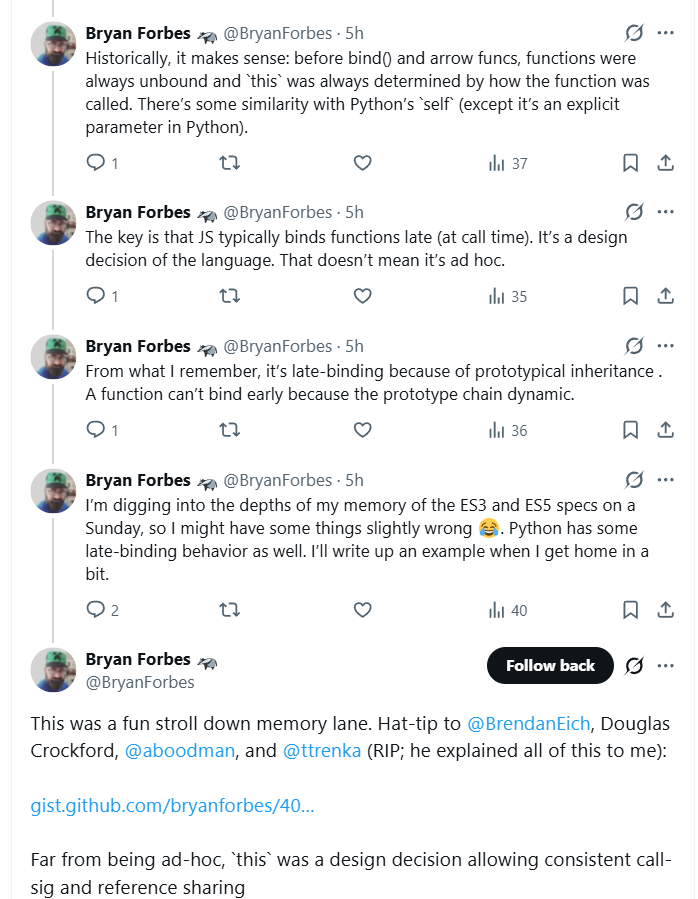
// nasty problem in JavaScript involving this-binding

function MakeObj(x) {
this.p = x;
return "lol";
}

function OhMyGodMakeObj(x) {
this.p = x;
return {};
}

const niceObj = new MakeObj(3);
console.assert(niceObj.p === 3);

const godObj = new OhMyGodMakeObj(3);
console.assert(godObj.p === 3, "omg, no work");
// Assertion failed: omg, no work
// oddity in JavaScript involving this-binding.
// a magic “this” bultin var, nothing to do with object oriented programing.

function addone(x) {
return this + x;
}

console.assert(addone.call(3, 4) === 7);

/*
this means, people can write all functions this way,
and the new call syntax is
funname.call(args...)
instead of just
funname.(args...)
*/

/*

the problem here is, in typical programing engineering fashion of speaking, JavaScript leaked the this-binding mechanism for its so-called dispatch in its object-oriented way.

it should generate a error instead, when function use this-binding without being a method.

*/
- put pre js 2015 code each to separate page, and create a index of them
- JS: Xah Functions