Linux: Get System Info
Find Linux Kernel Version
uname -a

Find Linux Distro Name and Version
cat /etc/lsb-release
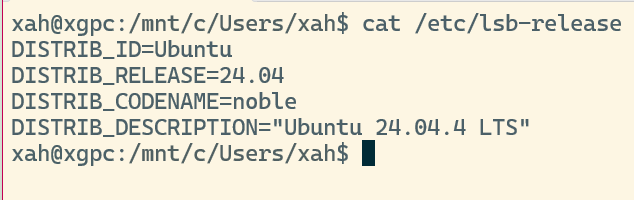
man lsb_release
Find CPU is 32 Bits or 64 Bits
show if the machine is 32 bits or 64 bits
getconf LONG_BIT
How Much RAM Installed
# show how much RAM installed
cat /proc/meminfo
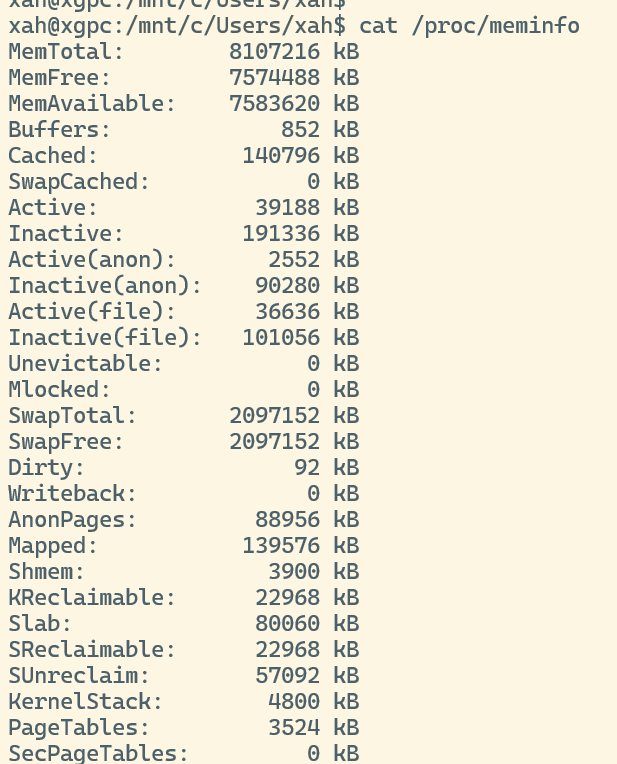
Find CPU model
lscpu
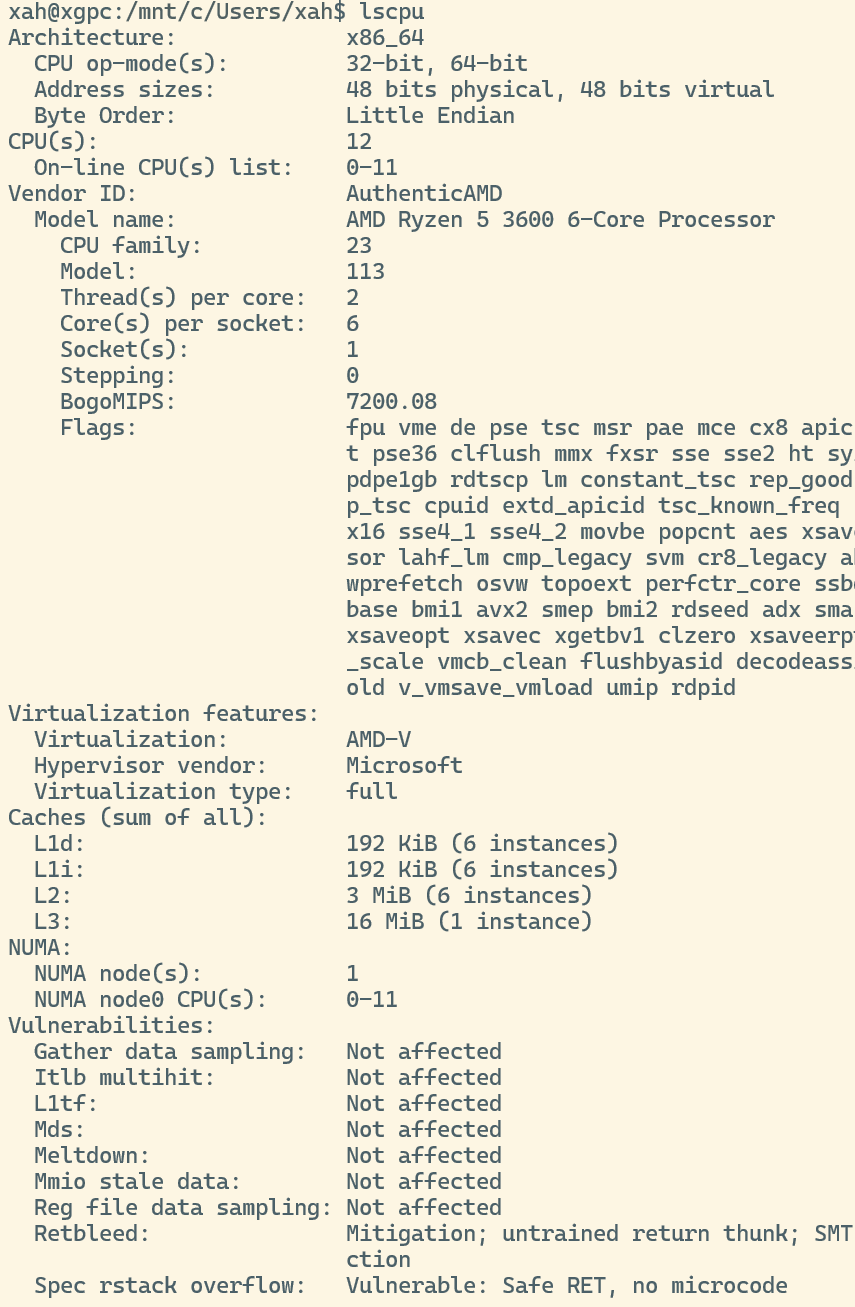
# show CPU info
cat /proc/cpuinfo
Find GPU Model
Type
lspci -v
and look for VGA or ATI or NVIDIA.
The “lspci” command lists all PCI devices.
sample output
◆ lspci

00:00.0 Host bridge: Advanced Micro Devices [AMD] RS880 Host Bridge
00:01.0 PCI bridge: Advanced Micro Devices [AMD] RS780/RS880 PCI to PCI bridge (int gfx)
00:0a.0 PCI bridge: Advanced Micro Devices [AMD] RS780/RS880 PCI to PCI bridge (PCIE port 5)
00:11.0 SATA controller: Advanced Micro Devices [AMD] nee ATI SB7x0/SB8x0/SB9x0 SATA Controller [AHCI mode]
00:12.0 USB controller: Advanced Micro Devices [AMD] nee ATI SB7x0/SB8x0/SB9x0 USB OHCI0 Controller
00:12.1 USB controller: Advanced Micro Devices [AMD] nee ATI SB7x0 USB OHCI1 Controller
00:12.2 USB controller: Advanced Micro Devices [AMD] nee ATI SB7x0/SB8x0/SB9x0 USB EHCI Controller
00:13.0 USB controller: Advanced Micro Devices [AMD] nee ATI SB7x0/SB8x0/SB9x0 USB OHCI0 Controller
00:13.1 USB controller: Advanced Micro Devices [AMD] nee ATI SB7x0 USB OHCI1 Controller
00:13.2 USB controller: Advanced Micro Devices [AMD] nee ATI SB7x0/SB8x0/SB9x0 USB EHCI Controller
00:14.0 SMBus: Advanced Micro Devices [AMD] nee ATI SBx00 SMBus Controller (rev 3c)
00:14.2 Audio device: Advanced Micro Devices [AMD] nee ATI SBx00 Azalia (Intel HDA)
00:14.3 ISA bridge: Advanced Micro Devices [AMD] nee ATI SB7x0/SB8x0/SB9x0 LPC host controller
00:14.4 PCI bridge: Advanced Micro Devices [AMD] nee ATI SBx00 PCI to PCI Bridge
00:18.0 Host bridge: Advanced Micro Devices [AMD] Family 10h Processor HyperTransport Configuration
00:18.1 Host bridge: Advanced Micro Devices [AMD] Family 10h Processor Address Map
00:18.2 Host bridge: Advanced Micro Devices [AMD] Family 10h Processor DRAM Controller
00:18.3 Host bridge: Advanced Micro Devices [AMD] Family 10h Processor Miscellaneous Control
00:18.4 Host bridge: Advanced Micro Devices [AMD] Family 10h Processor Link Control
01:05.0 VGA compatible controller: Advanced Micro Devices [AMD] nee ATI RS880 [Radeon HD 4200]
01:05.1 Audio device: Advanced Micro Devices [AMD] nee ATI RS880 HDMI Audio [Radeon HD 4200 Series]
02:00.0 Ethernet controller: Realtek Semiconductor Co., Ltd. RTL8101E/RTL8102E PCI Express Fast Ethernet controller (rev 05)
Disk Size and Free Space
List USB Devices
# show USB devices
xinput
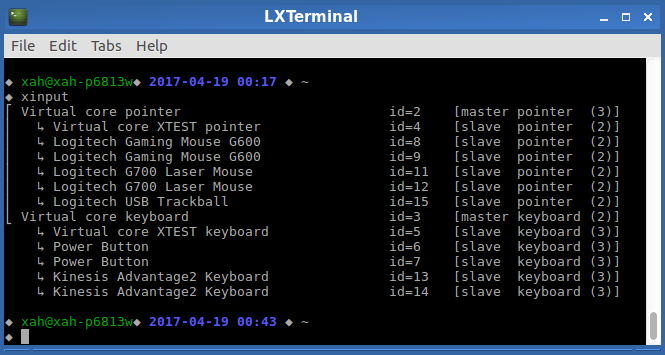
(2012-04-28 thanks to Aaron Coakley)