Linux: How to Switch to LXDE, Xfce
This page tells you how install and use another desktop environment, such as Xfce, LXDE.
LXDE
LXDE is the most simple and functional desktop, and uses the least amount of memory and CPU.
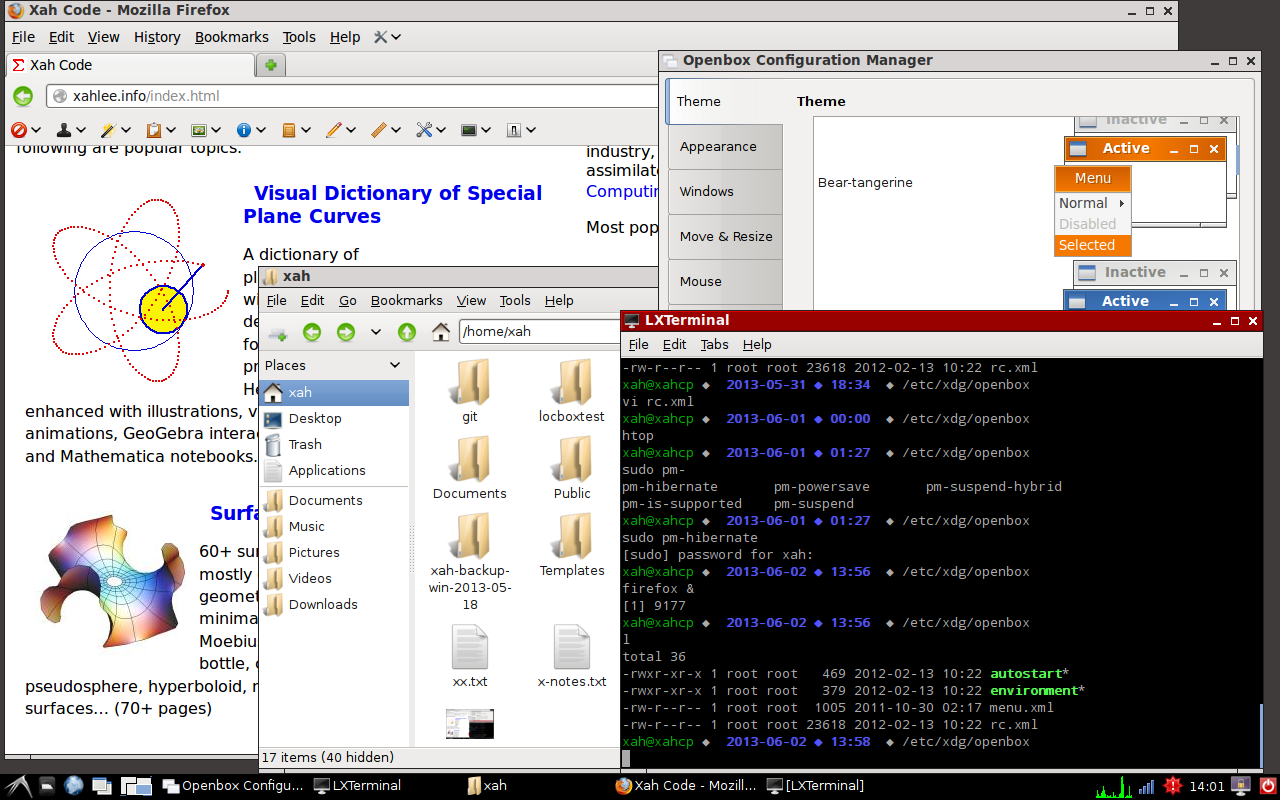
# install lxde desktop
sudo apt-get install lxde lxsession
or, also install all of its light-weight apps. I recommend this:
# install full lxde environment
sudo apt-get install lubuntu-desktop
After install, just re-login. In the login panel, there's a menu to let you choose from installed Window Managers.
Note: Lubuntu means Ubuntu with LXDE desktop.
Xfce
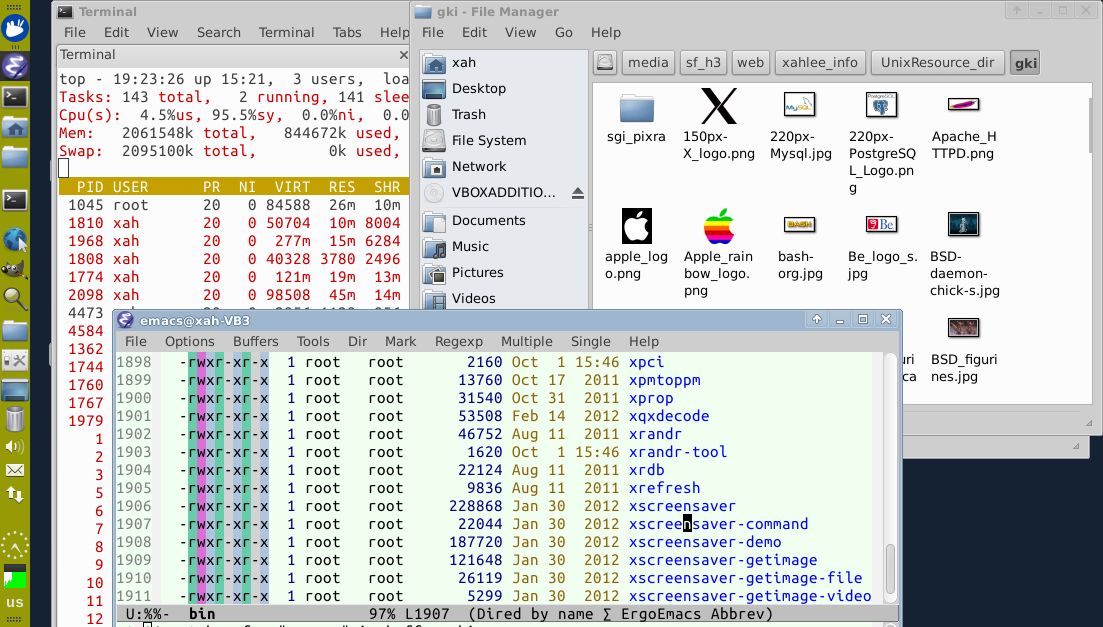
# install xfce desktop
sudo apt-get install xubuntu-desktop
Xubuntu means Ubuntu with Xfce desktop.
What is Window Manager, X11, Desktop?
- X11 is Linux's graphical user interface engine. Practically ALL Linux's GUI apps are based on it. It can be used by itself without Gnome, KDE, etc.
- X Window Manager is a layer on top of X11. There are many Window Managers, each one looks different, and have different set of keyboard shortcuts. Examples of Window Managers are: {awesome, openbox, dwm, ratpoison, xmonad, enlightenment, FVWM, Sawfish, Scwm, …}.
- Desktop Environment is a Window Manager plus a complete set of apps (web browser, folder viewer, image viewer, image editor, text editor, music player, etc). The most popular Linux Desktops are {Ubuntu Unity, Gnome, KDE, Xfce, LXDE}.
The term Shell, or GUI Shell, is sometimes used to refer to a core part of Desktop Environment. Not to be confused with the command line “shell” (aka terminal, console, bash), which is a older, more widely understood, term.
What is GTK? What's qt?
GTK+ and qt are graphical user interface programing frameworks.
Almost all Linux GUI apps are written using either the GTK+ or Qt.
For most Linux GUI app, you have to check which lib it's from. For example, the apps in Ubuntu are mostly GTK+ based apps. If a GUI app says it's written in GTK+, that means you must have Gnome installed or you have to install the GTK+ lib.
Most apps from Gnome desktop are using GTK. Most apps from KDE desktop are using Qt. When a app is using GTK, it often require other libs from Gnome, but not always. Same for Qt with KDE.
What are the popular {Window Managers, Desktops} for Linux?
- Unity is default from Ubuntu Linux.
- Gnome and KDE are popular, classic, mainstream desktop from about 2000 to 2010.
- Xfce and LXDE are light-weight desktops. They use less CPU or memory. Great for laptop or old machines.
- {Awesome, Ratpoison/StumpWM, xmonad, …} are popular tiling window managers. They leave no gab between windows, and are designed to be used primarily by keyboard (not needing mouse).