Happy Hacking Keyboard
The Idiocy of Happy Hacking Keyboard
There is a computer keyboard, called the Happy Hacking keyboard (aka HHKB). It is a keyboard often loved by “hackers”, and is one of the most idiotic keyboard. Let me count the ways.
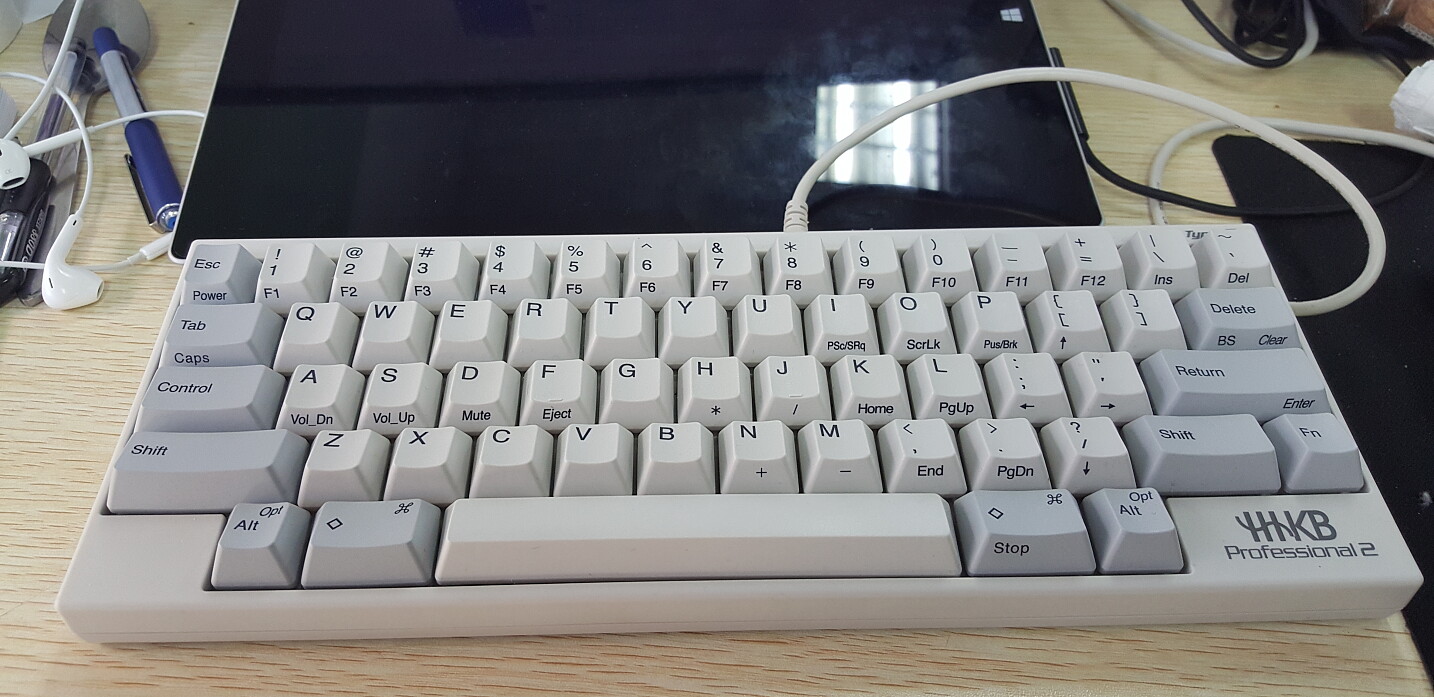
Missing 12 Function Keys
It lacks 12 function keys. TWELVE of them! One, two, three, …, four, five, six, and more. Continue counting: seven, and eight and nine. Then, we add another digit to hit 10 in a decimal system. Then, eleven as in Seven-Eleven, and twelve, as in: twelve days of Christmas. Twelve programable keys down the drain! What to do if you need them? You have to press 2 keys: Fn+key. What happened to the concept of efficiency?
Missing Page Navigation Keys and 20 Extra Function Keys
Bygone are the extremely convenient dedicated page navigation keys: Home, End, PageUp, PageDown.
Of course, PrintScreen, ScrollLock, Pause keys, and the entire set of 17 keys on number-keypad are gone too. Sure, you can do without them, but for programers, that's another 17 programable function keys down the drain.
Happy Hacking Keyboard is supposed to be used by hackers, right?
No Arrow Keys!
Can you play pacman while eating pizza?
Missing Modifier Keys
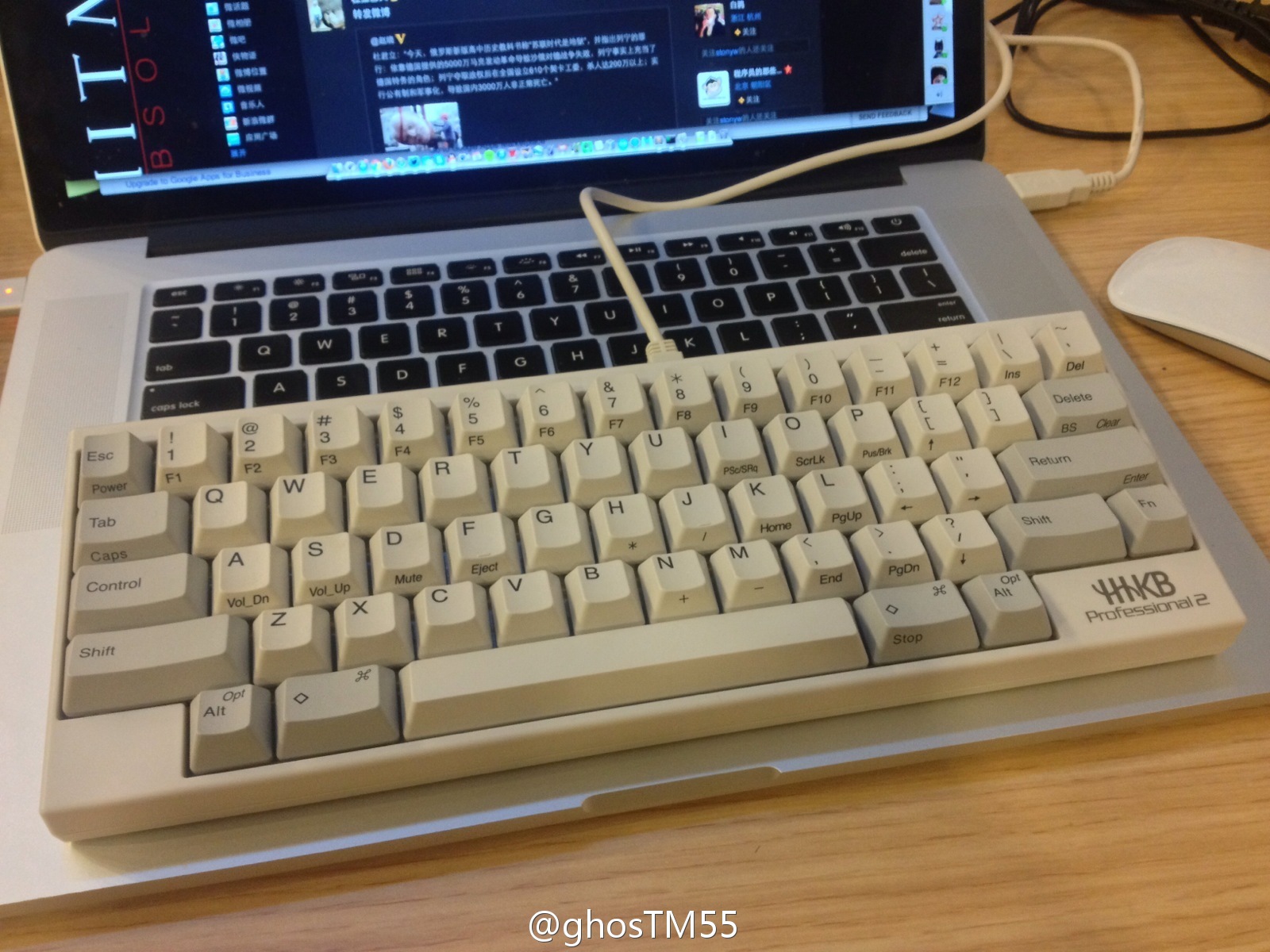
Ok, now you lost 36 keys to automate your work. To make up the lost keys, the Control Alt Meta Super must be going strong on the HHKB.
There's Alt and Ctrl, ok, and there's Meta and Fn. Where's my Super and Hyper keys?
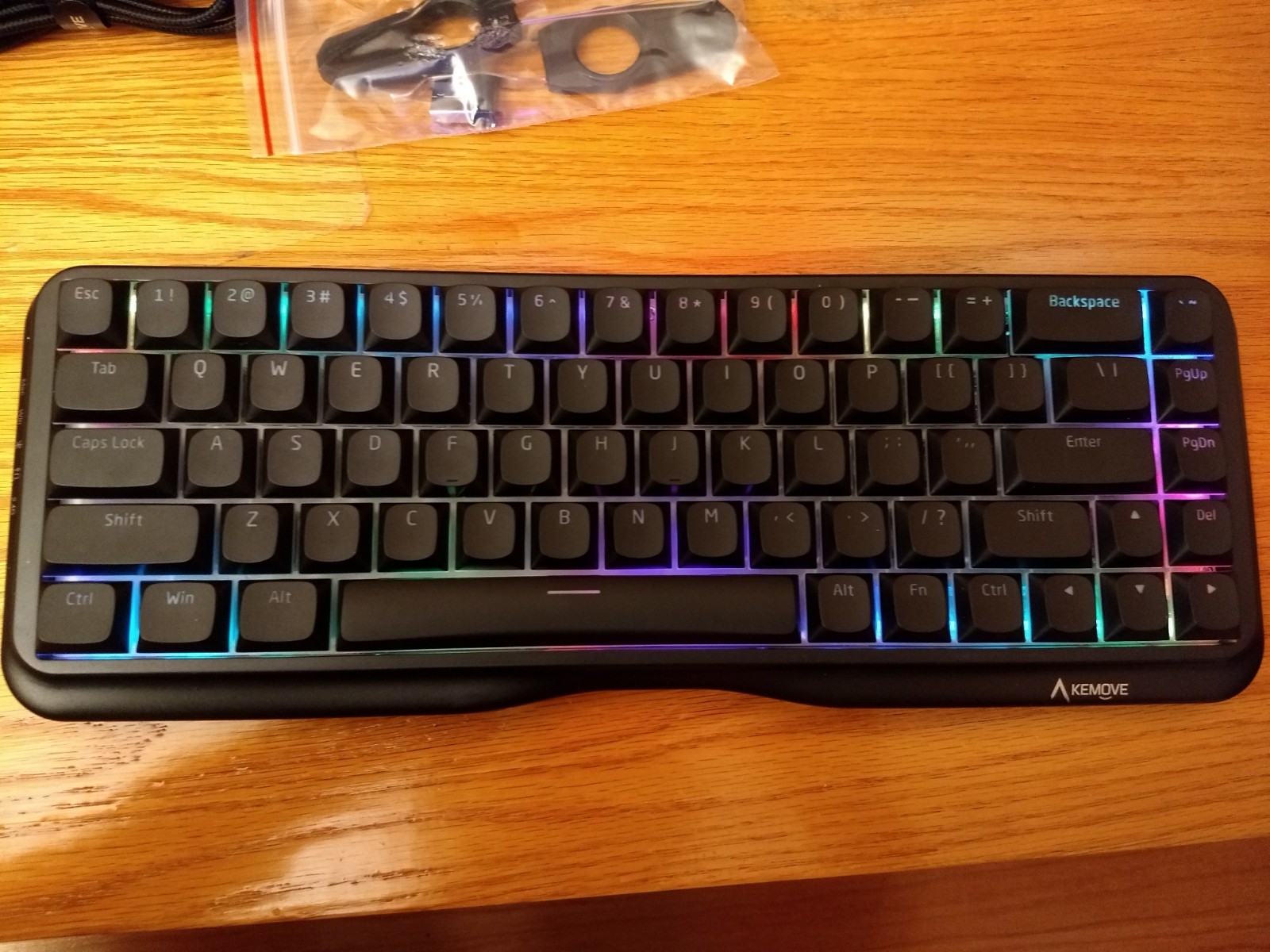
On a china cheapo mech, there are one more modifier keys than the $260 Happy Hacking. What The Fuck?!
~$260 HHKB Pro, you have:
1 Ctrl, 2 Alt, 2 Meta. (the Fn can't count here because it is hard-wired in the keyboard circuitry thus the OS doesn't see it so you can't remap them.) That's a total of 5 modifiers.
On a china cheapo, you have:
2 Ctrl, 2 Alt, 1 Meta, 1 CapsLock. That's a total of 6 modifiers, all of them can be individually remapped by software on {Linux, Windows, Mac}.
Non-Symmetric Position of Modifier Keys
If you look at the distance from F to the left Meta versus J to the right Meta, you see that they are not symmetric. The right side modifer requires you to curl your thumb deeper.
Most PC keyboards after year ~2005 have the modifier keys symmetrically positioned. (e.g. all Microsoft Keyboards around 2011. [see Microsoft Keyboards ⌨])
Incompetent Layout for Linux, Vi, Emacs
if you are a linux, vi, emacs, user, the hhkb layout is inefficient.
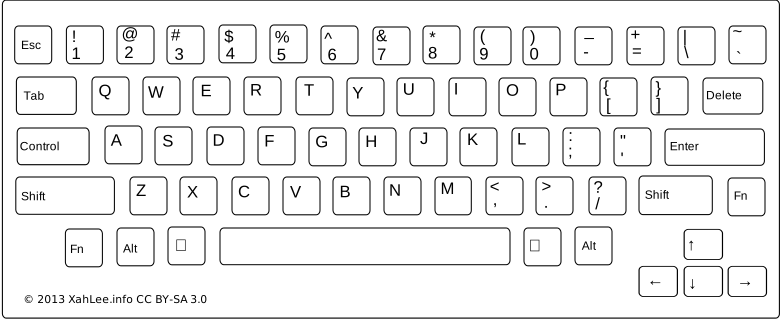
- The Esc key is at above the Tab key. The Esc key is frequently used in vi text editor. [see Emergency vim Tutorial]
- The Ctrl key is to the left of A key. The Ctrl is frequently used in Emacs [see Emacs's Keybinding], and in unix terminal [see Bash keybinding].
- The ⌦ Delete key is above the Enter key. There's no ⌫ Backspace key. To do backward delete, you have to press Fn+Delete ⌦. (On unix terminal, you can backward delete by Ctrl+h and forward delete by Ctrl+d.)
Each of these key positions are actually inferior to optimal. For example, if you are vi user, the optimal position for Esc is where the PC keyboard's CapsLock is at, or, one of the big Alt right under thumb (a design point popularized by Kinesis Advantage2 Keyboard ).
If you are a emacs user, the optimal position for Ctrl is the 2 big Alt key on Microsoft Sculpt Ergonomic Keyboard right under your thumbs, 2 of them, symmetrically placed, pressed by a strong finger thumb.
Topre Key Switch Mechanism
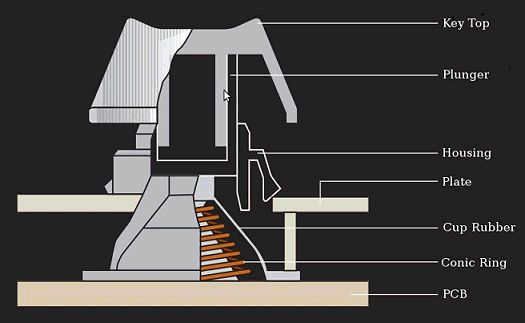 Topre Switch
The “Professional” model of the HHKB uses Topre switch.
Alternatives
If you want a keyboard similar to HHKB, i consider the following better.
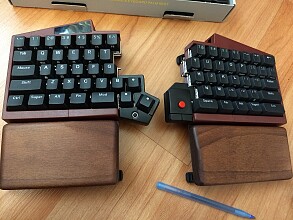 UHK 60 V2
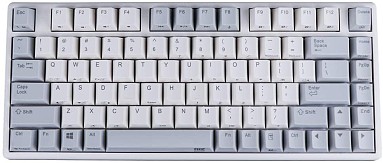 Niz Plum
HHKB Misc
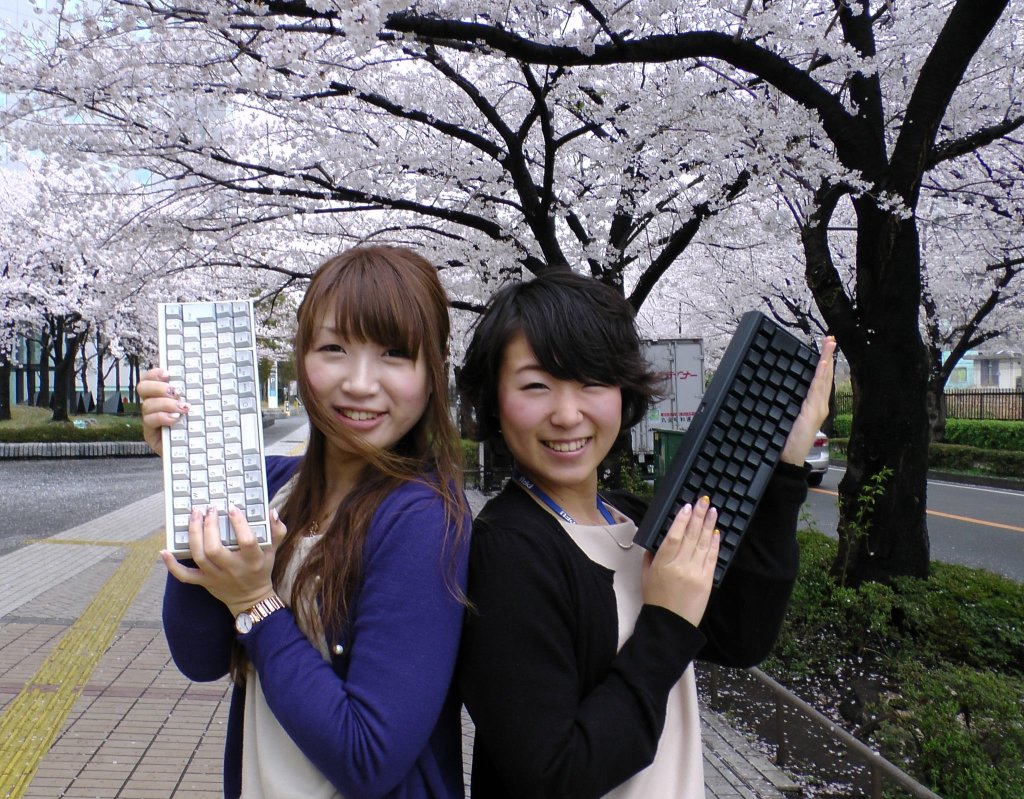
Now, add an extra boost to your gear.
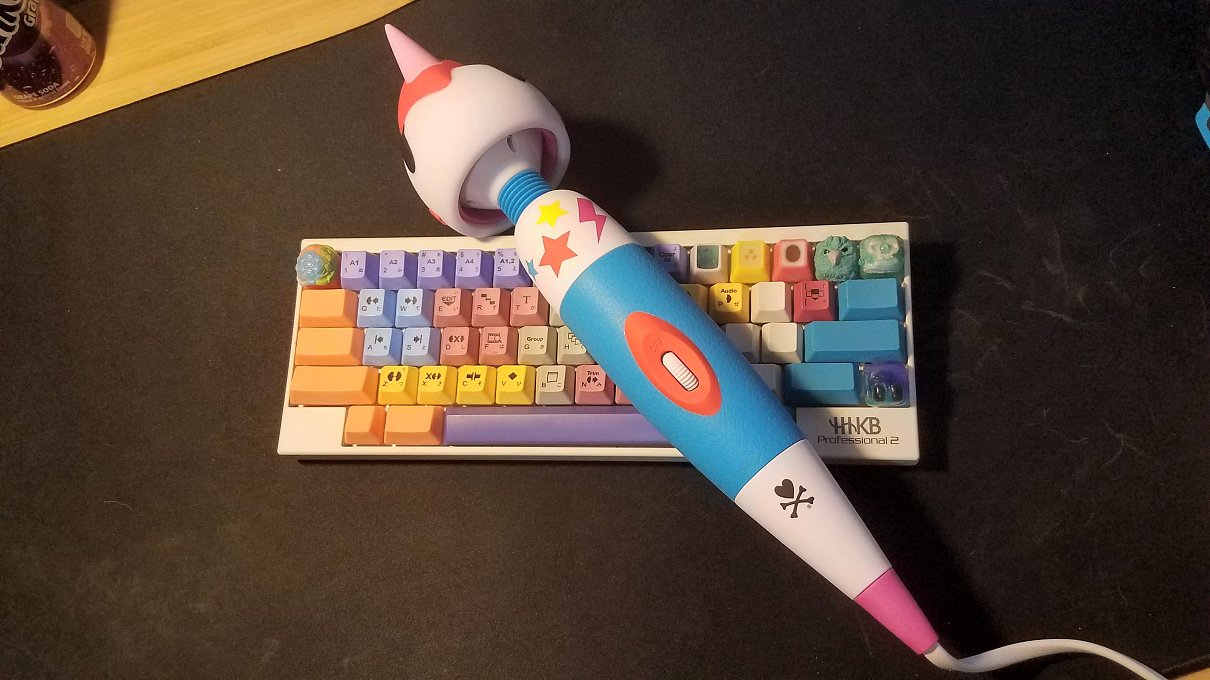
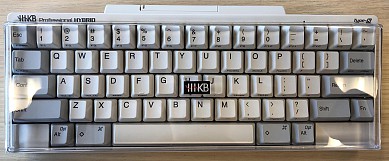 HHKB Pro HYBRID Type-S, 2019
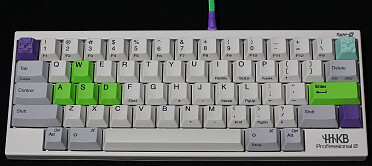 HHKB Type-S
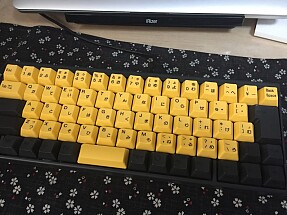 HHKB Japanese Layout
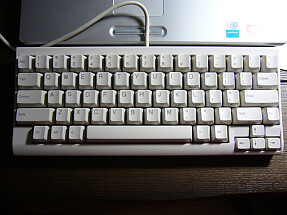 Happy Hacking Keyboard Lite 2 (1999)
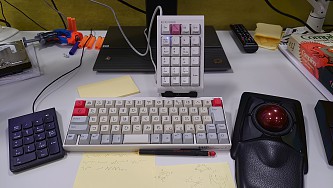 happy hacking emily lisp server
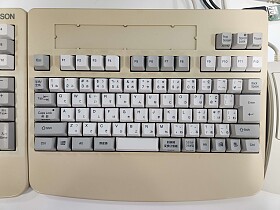 Epson Business Full Keyboard, 2004
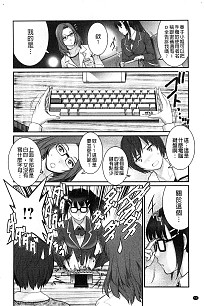 Keyboard Comics (Anime)
xah talk show 2022-05-24 best stylus, pen input, trackball, and why happy hacking keyboard sucks

Where to Buy
- Happy Hacking Keyboard Professional Classic
- Buy at amazon
- Happy Hacking Keyboard Professional Hybrid Type-S
- Buy at amazon
Reddit Discussion
this article, been on reddit several times.